Password management made effortless
- Store unlimited passwords, passkeys, cards, and notes in one secure vault
- Securely share logins and other sensitive items with people you trust
- Quickly access your accounts with autofill and biometrics
Get StartedDownload ExpressKeys
ExpressKeys is included with eligible ExpressVPN plans,
backed by a 30-day money-back guarantee for first-time users
Standalone ExpressKeys subscriptions include a free trial
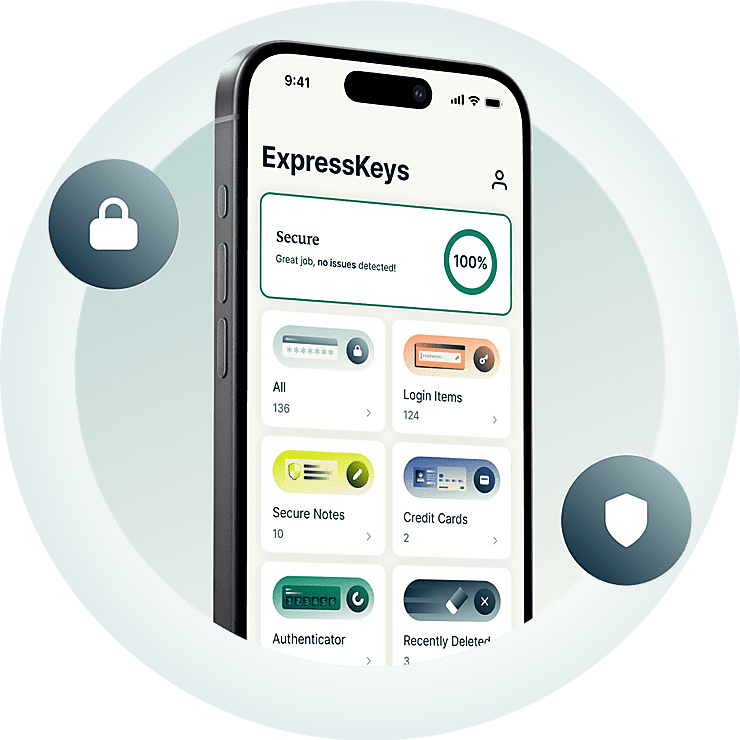



All you need to protect your accounts
See how ExpressKeys helps you create, store, share, and manage passwords.
Why ExpressKeys?
Upgrade your password protection. Upgrade your peace of mind
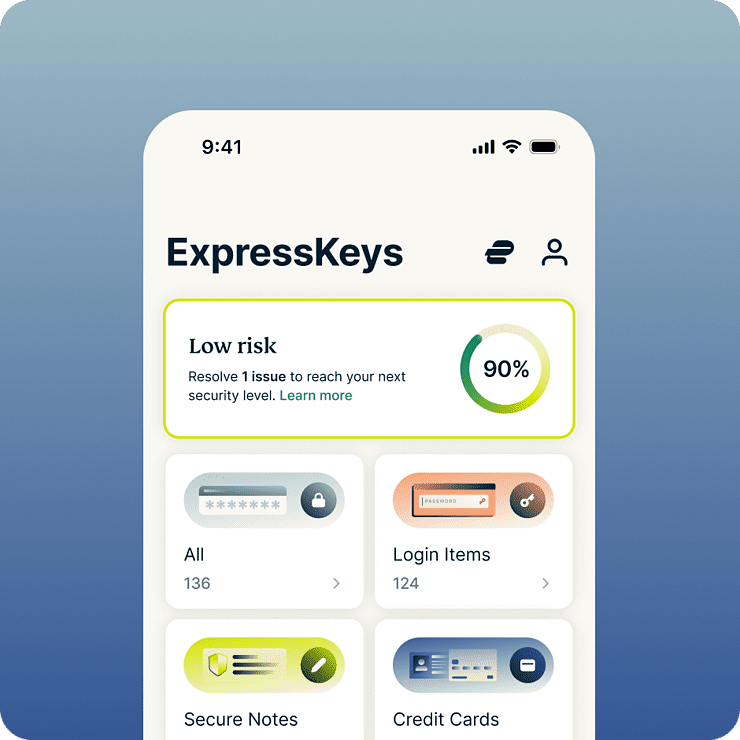
Simpler access. Less hassle
ExpressKeys makes it easier to access the accounts and services you use every day, from logging into social accounts to checking out at your favorite online shops. With autofill, passkey support, and biometric unlock, sign-ins and purchases feel effortless. Plus, secure item sharing helps you do it safely and in just a few clicks. So whether you're signing in, checking out, or sharing access, everything is right where you need it.
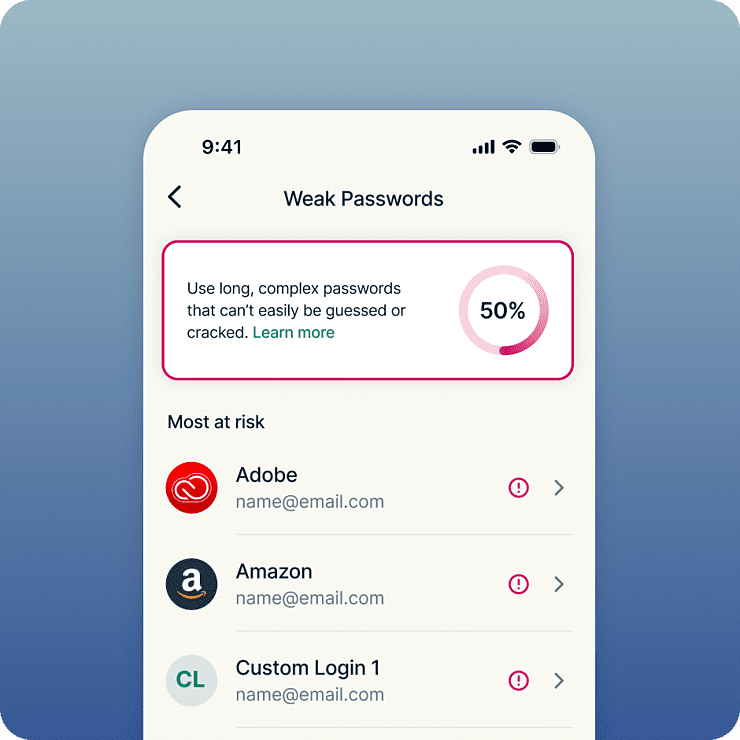
Stronger security for all your accounts
Strong security starts with strong passwords. ExpressKeys flags weak and reused passwords, making it easy to replace risky logins with strong, unique ones. Once saved, your passwords and other sensitive information are protected by the AES-256 encryption standard trusted by banks. And because everything is stored in your encrypted vault, you get total peace of mind knowing only you can access it.
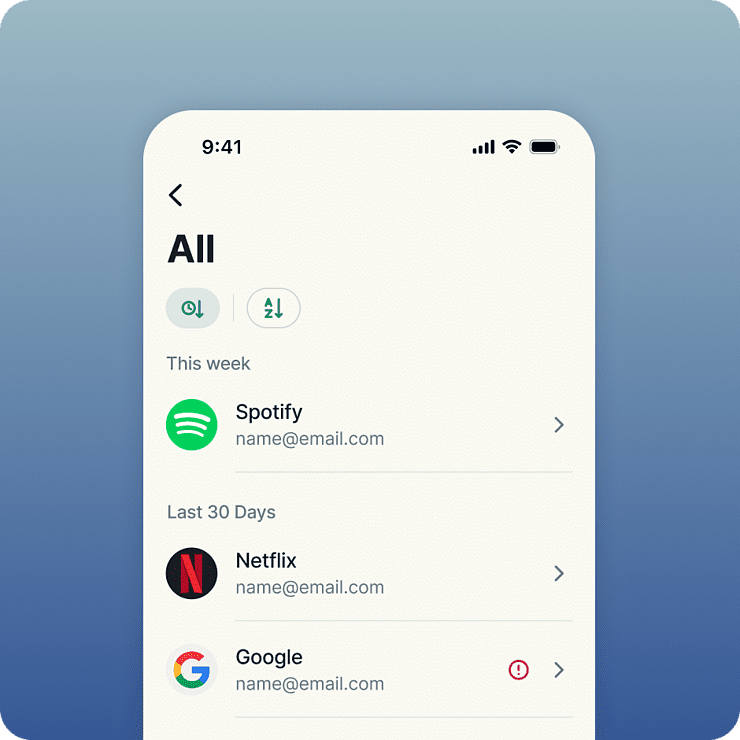
Built by privacy and security experts
ExpressKeys comes from the privacy and security team behind ExpressVPN. Your data is protected with encryption keys created on your device, meaning your vault password stays local and never leaves it. ExpressKeys is built using Rust, a modern programming language known for its strong security and reliability. It’s also been independently audited multiple times for extra confidence.
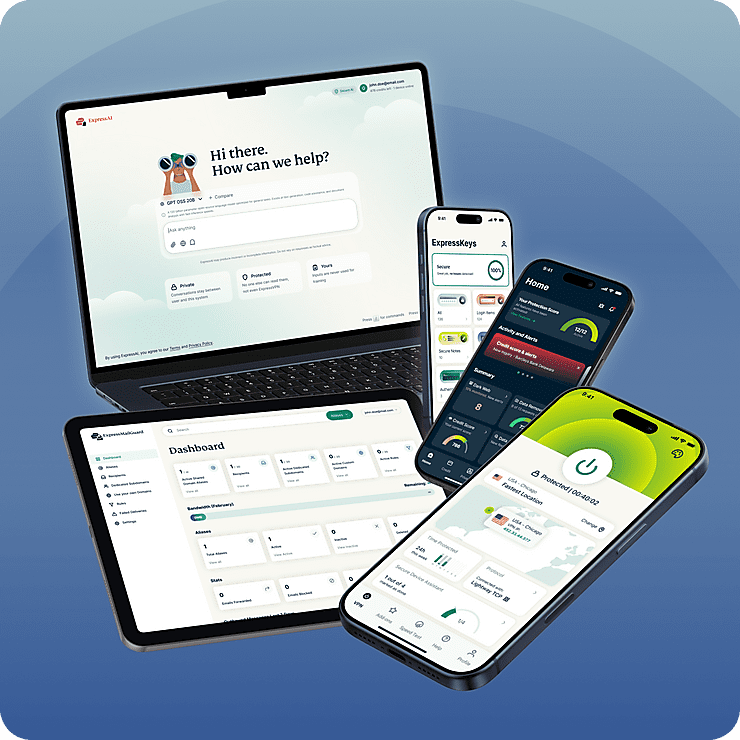
One plan for all your digital privacy needs
ExpressKeys is part of ExpressVPN’s new digital privacy suite. Protect your internet with our trusted VPN and upgrade your inbox privacy with ExpressMailGuard, all under one subscription. Everything works seamlessly together, across all your devices. Built to secure more of your online life with less effort*.
*ExpressKeys is included with ExpressVPN’s Advanced and Express Pro plans or available separately through the ExpressKeys mobile apps
Smart features, simple to use
See what a smarter password manager looks like
-
Share sensitive information securely
Share passwords, cards, notes, and even file attachments with friends, family, and colleagues. Create secure sharing links, control access, and avoid exposing sensitive data in emails, messages, or chat apps.
-

Keep important files with your passwords
Attach documents, photos, videos, and other files to any vault item. From insurance policies and warranties to passport scans, everything stays secure and organized in one encrypted vault.
-
Spot weak passwords before they’re a problem
Identify weak, reused, and exposed passwords and get clear guidance to stay ahead of account takeovers. Know which passwords need upgrading and fix them in a few clicks.
-
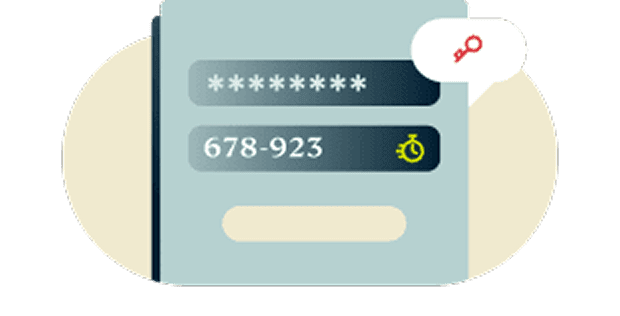
Two-factor authentication (2FA) security built-in
Add an extra layer of protection to your accounts with integrated 2FA. Forget juggling authenticator apps. ExpressKeys offers a unified solution.
-
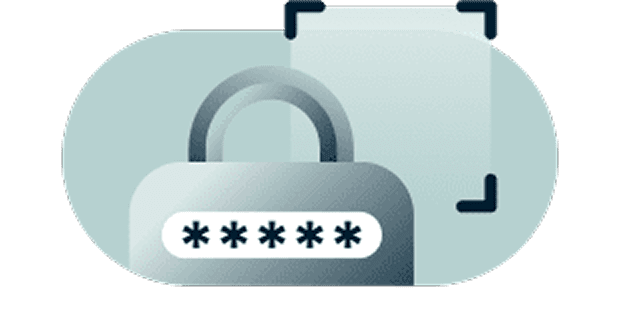
Zero-knowledge encryption puts you in control
Your data can only be decrypted with your vault password, which only you know, or biometrics, which only you have. In other words, your stored items are so secure that even we can’t see them.
-

Secure sync across your favorite devices
Stay protected on every device you use. ExpressKeys has apps for iOS and Android, plus browser extensions for Chrome, Edge, and Brave. Access your credentials easily and securely wherever you are.
Get started with ExpressKeys
Download ExpressKeys and start protecting your accounts in a few simple steps
-
Step 1
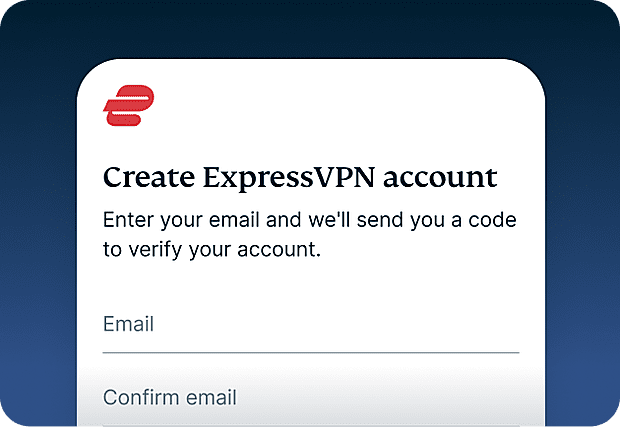
Sign up for ExpressKeys
Get ExpressKeys with an eligible ExpressVPN plan, or subscribe to ExpressKeys separately through the mobile app.
-
Step 2
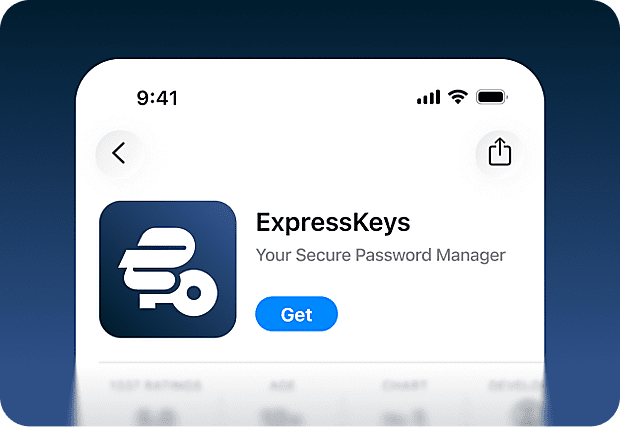
Download the ExpressKeys app
Download the ExpressKeys app from the App Store or Google Play Store. You can also use ExpressKeys on desktop with browser extensions for Chrome, Edge, and Brave.
-
Step 3
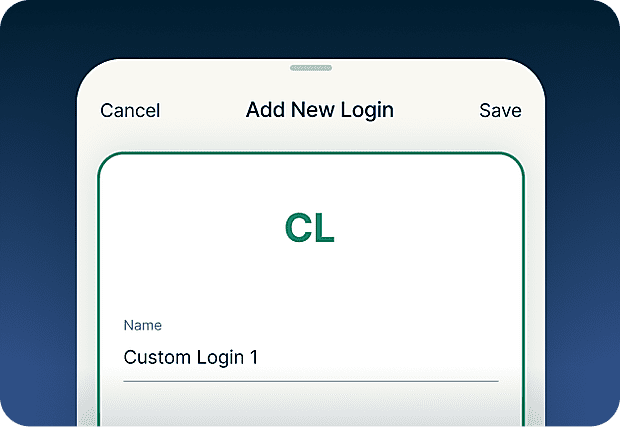
Add or import passwords
Save passwords, files, credit card details, and notes to your secure vault. You can also easily import passwords you've saved in other password managers and browsers.
-
Step 4
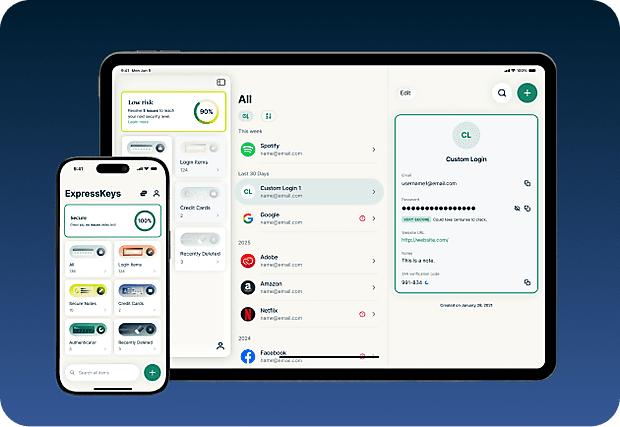
Securely sync across your devices
Install the app on multiple devices, and your saved passwords, notes, and card details will automatically sync across all of them. Access your vault wherever you are!
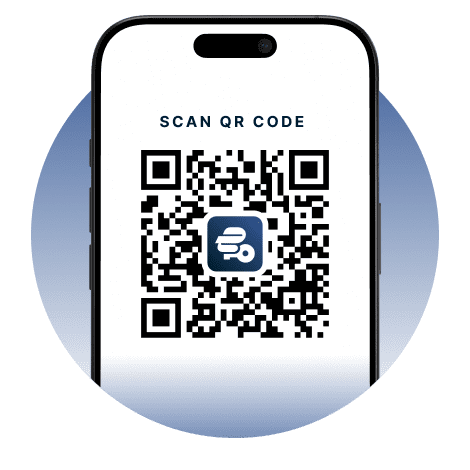
Download ExpressKeys on mobile devices
Visit the App Store or Play Store to download the ExpressKeys app.


FAQ
Learn more about ExpressKeys and make the switch with confidence
Is ExpressKeys included with ExpressVPN?
ExpressKeys is available as a standalone subscription through the ExpressKeys mobile app and is also included with ExpressVPN’s Advanced and Express Pro plans. You'll need an active subscription to set it up, but you’ll retain read-only access to credentials in your vault even after your subscription expires.
How secure is ExpressKeys?
ExpressKeys is designed with security in mind. Your vault is encrypted using keys created on your device, and your vault password never leaves it. This means only you can access your saved passwords, passkeys, cards, and other sensitive information.
Can I import passwords from other managers?
Yes. You can import passwords from popular password managers like LastPass, 1Password, Dashlane, Bitwarden, iCloud Keychain, and most browser-based managers. Follow our step-by-step guide for your current password manager.
Does ExpressKeys support 2FA codes?
Yes. ExpressKeys can generate 2FA codes for supported accounts, so you can manage passwords and authentication in one place.
What are passkeys?
Passkeys are a modern alternative to passwords that can help protect against phishing and credential theft. Instead of signing in with a password, you verify your identity using a fingerprint, face scan, or another authentication method. ExpressKeys lets you create, store, and manage passkeys alongside your passwords in the same secure vault.
Can I store documents and files in ExpressKeys?
Yes. You can attach documents, photos, videos, and other files to your vault items. You’ll get 5GB of attachment storage with an ExpressKeys standalone subscription or the Advanced plan and 10GB with Express Pro.
Should I use my browser as a password manager?
Saving your passwords in your browsers like Chrome, Safari, Firefox, and Opera may be convenient, but dedicated password managers generally provide stronger security features and more control over how your credentials are protected.
How does ExpressKeys prevent phishing?
ExpressKeys autofills only when the website domain matches the one saved in your vault. This helps prevent entering passwords on fake or lookalike sites trying to steal your login credentials.
How do I transfer my passwords from the old ExpressVPN Keys?
Download and install the ExpressKeys app. If you are signed into the ExpressVPN app and have used ExpressVPN Keys on your current device, you will be automatically signed into ExpressKeys. Unlock ExpressKeys and you will find all your existing logins, credit cards, and secure notes in the new app.
Get a risk-free trial of ExpressKeys as a new user
Subscribe to ExpressKeys through the mobile app and get a free trial, or choose an eligible ExpressVPN plan that includes ExpressKeys and is covered by our 30-day money-back guarantee for first-time subscribers.