

Quản lý mật khẩu không cần công sức
- Lưu trữ mật khẩu, passkey, thẻ và ghi chú trong một kho bảo mật
- Chia sẻ an toàn thông tin đăng nhập và các mục nhạy cảm khác với những người bạn tin tưởng
- Truy cập nhanh các tài khoản của bạn bằng tự động điền và nhận dạng sinh trắc học
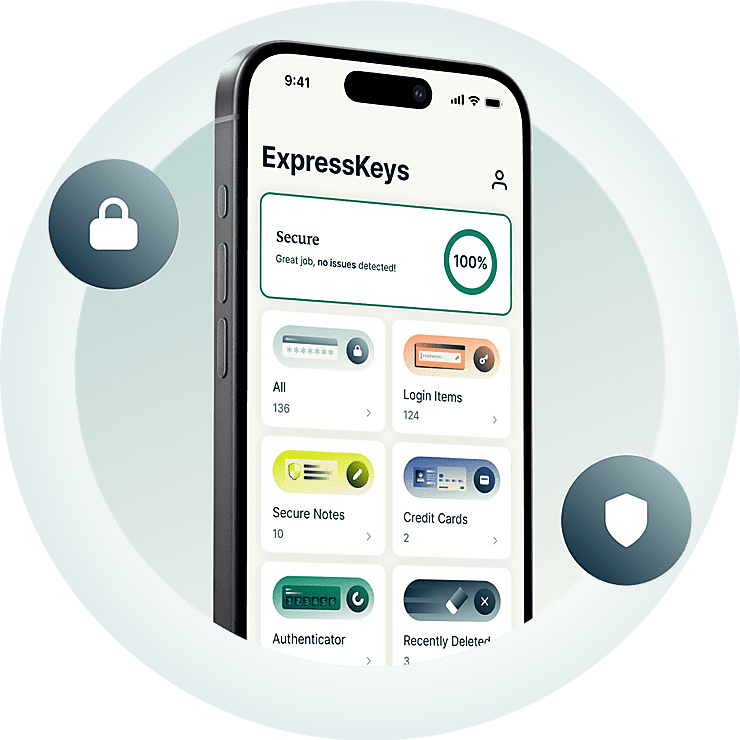



Mọi công cụ bạn cần để bảo vệ các tài khoản của mình
Khám phá cách ExpressKeys giúp bạn tạo, lưu trữ, chia sẻ và quản lý mật khẩu.
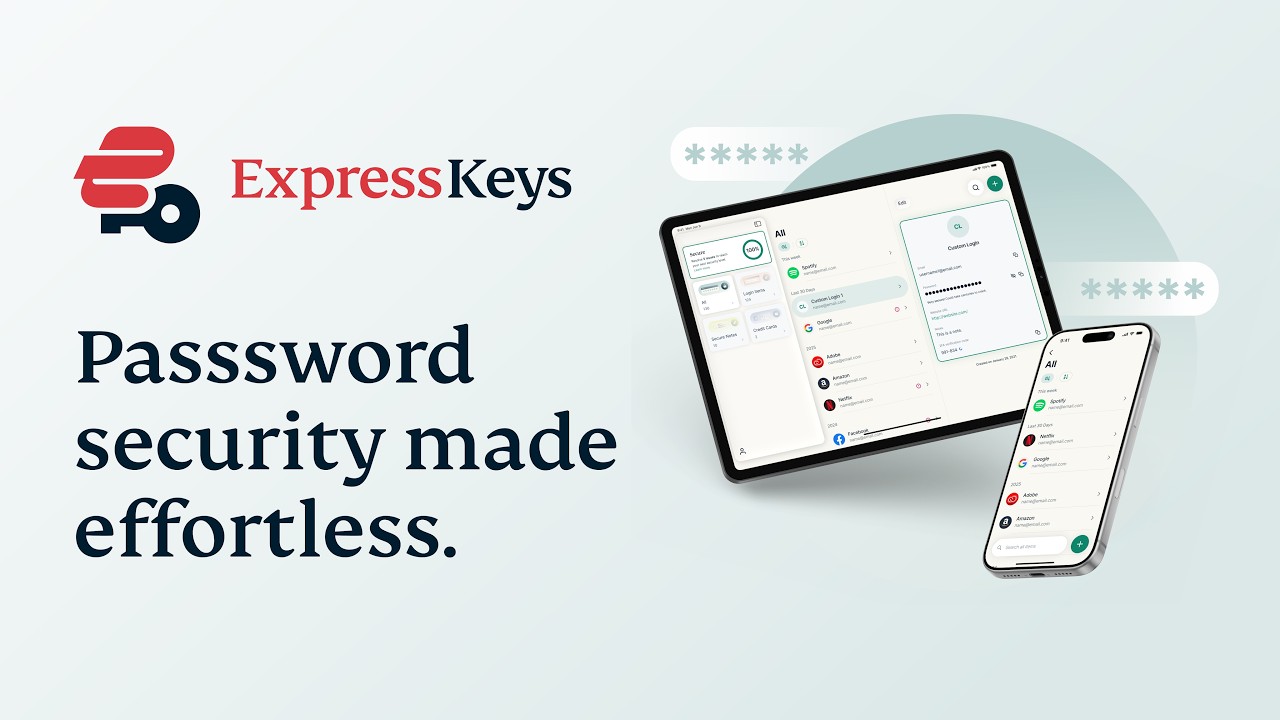
Tại sao nên chọn ExpressKeys?
Nâng cấp biện pháp bảo vệ mật khẩu cho bạn. Nâng tầm độ an tâm.
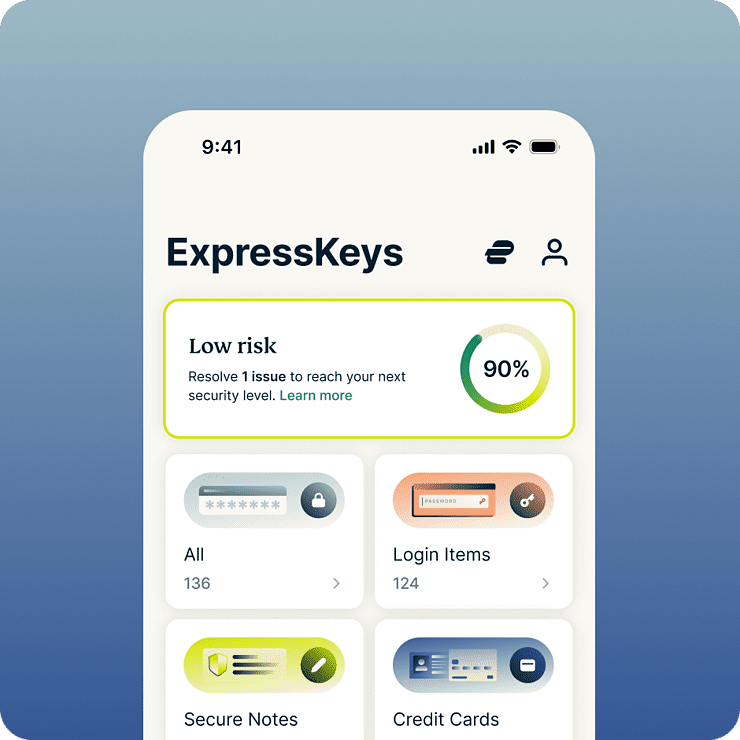
Tiết kiệm thời gian và giảm căng thẳng mỗi ngày
ExpressKeys giúp đơn giản hóa hầu hết mọi thao tác trực tuyến — từ đăng nhập tài khoản mạng xã hội đến thanh toán tại cửa hàng ưa thích. Với tính năng tự động điền và mở khóa bằng sinh trắc học, việc đăng nhập và mua sắm trở nên dễ dàng hơn bao giờ hết. Và do mọi thông tin được lưu trữ trong kho mật khẩu mã hóa, bạn hoàn toàn yên tâm vì biết rằng chỉ có bạn mới có thể truy cập được.
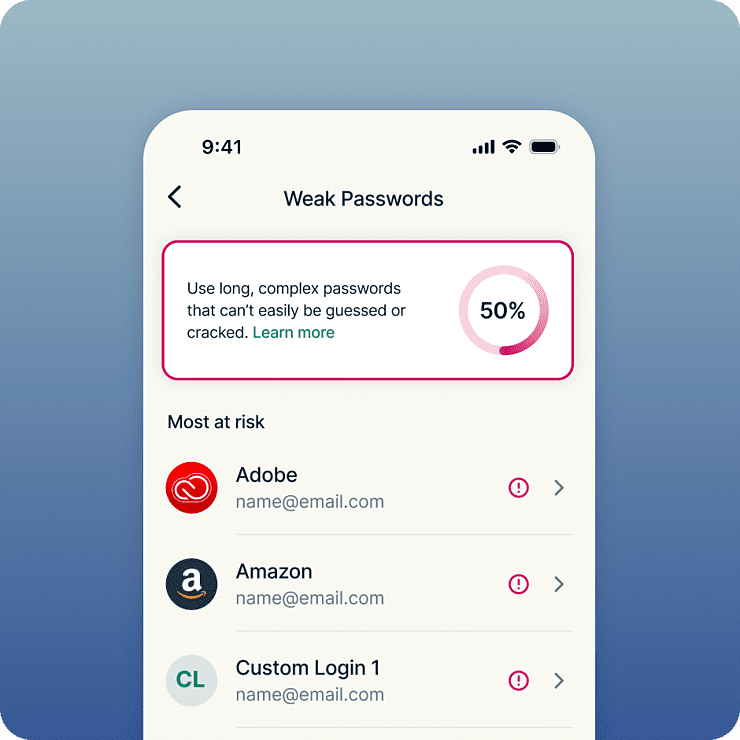
Bảo mật mạnh mẽ hơn cho mọi tài khoản của bạn
Bảo mật vững chắc luôn bắt đầu từ mật khẩu mạnh. ExpressKeys cảnh báo các mật khẩu yếu hoặc bị sử dụng lại, giúp bạn dễ dàng thay thế các thông tin đăng nhập rủi ro bằng những mật khẩu mạnh, duy nhất. Ngay khi được lưu, mật khẩu và các thông tin nhạy cảm khác của bạn sẽ được bảo vệ bằng tiêu chuẩn mã hóa AES-256 được các ngân hàng tin dùng. Vì mọi thứ đều được lưu trữ trong kho mã hóa của riêng bạn, bạn hoàn toàn an tâm khi biết rằng chỉ duy nhất bạn có quyền truy cập.
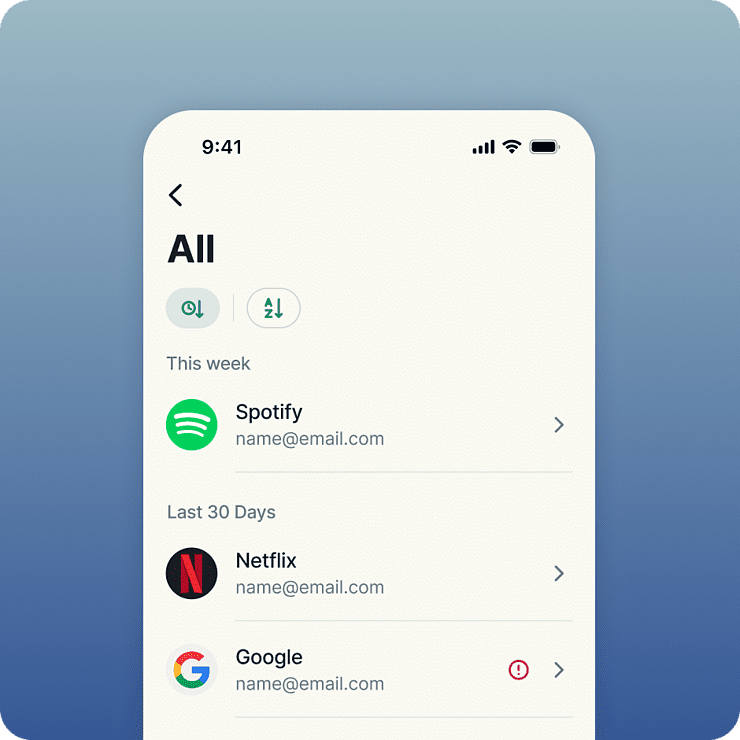
Được xây dựng bởi các chuyên gia về quyền riêng tư và bảo mật.
ExpressKeys là sản phẩm của đội ngũ chuyên về quyền riêng tư và bảo mật đứng sau ExpressVPN. Dữ liệu được bảo vệ bằng các khóa mã hóa được tạo trên thiết bị của bạn—nghĩa là mật khẩu kho lưu trữ của bạn luôn nằm trên thiết bị. Mã nguồn của kho lưu trữ được viết bằng ngôn ngữ Rust để giúp ngăn chặn các cuộc tấn công dựa trên bộ nhớ, và đã được kiểm tra độc lập nhiều lần để tăng thêm độ tin cậy.
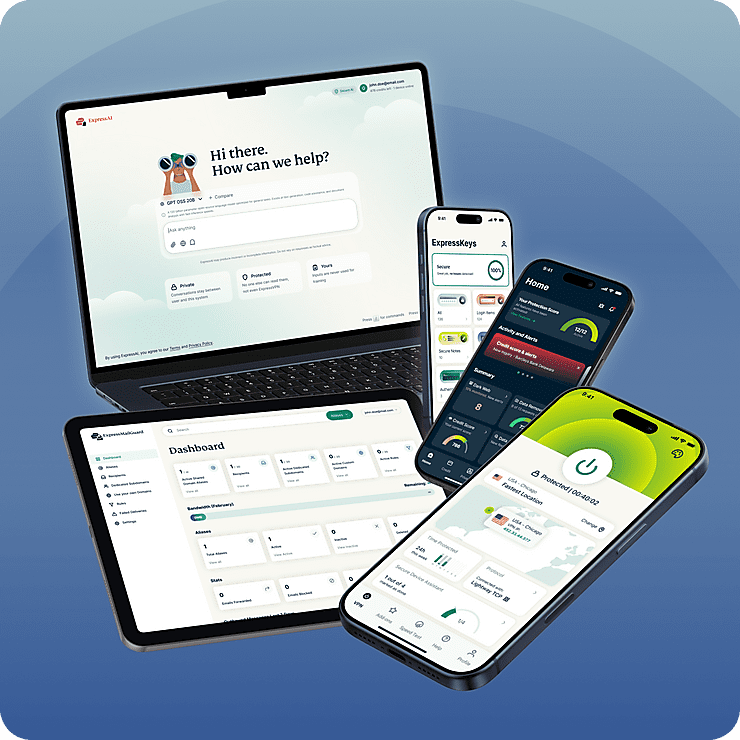
Một gói dịch vụ cho mọi nhu cầu bảo vệ quyền riêng tư số của bạn
ExpressKeys là một phần trong bộ giải pháp bảo vệ quyền riêng tư số mới của ExpressVPN. Bảo vệ kết nối internet với dịch vụ VPN uy tín và nâng cấp độ riêng tư cho hộp thư đến của bạn với ExpressMailGuard – tất cả trong một gói đăng ký Mọi tính năng đều hoạt động mượt mà và đồng bộ trên tất cả các thiết bị của bạn. Được thiết kế để bảo vệ tối đa đời sống trực tuyến của bạn với nỗ lực tối thiểu.
Tính năng thông minh, sử dụng dễ dàng
Khám phá một trình quản lý mật khẩu thông minh hơn
-
Lưu trữ không giới hạn mọi thông tin đăng nhập
Sử dụng kho lưu trữ mà không lo hết bộ nhớ. Chúng tôi chỉ cung cấp tùy chọn lưu trữ không giới hạn, vậy nên sẽ không có giới hạn về số lượng mật khẩu, ghi chú bảo mật và thẻ tín dụng bạn có thể lưu trữ trong ExpressKeys.
-
Chia sẻ an toàn các thông tin nhạy cảm
Chia sẻ mật khẩu, thông tin thẻ, ghi chú và các dữ liệu nhạy cảm khác với bạn bè, gia đình và đồng nghiệp một cách an toàn. Tạo các liên kết chia sẻ bảo mật, kiểm soát quyền truy cập và tránh để lộ thông tin nhạy cảm qua email, tin nhắn hoặc các ứng dụng trò chuyện.
-
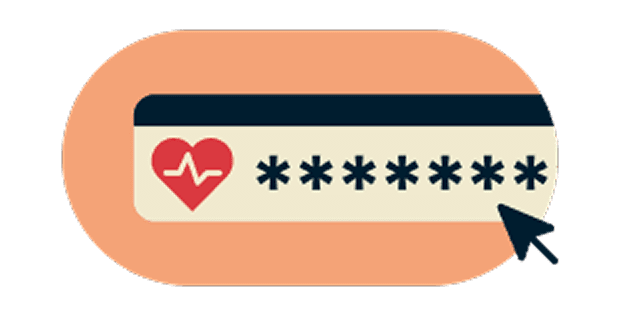
Phát hiện mật khẩu yếu trước khi rắc rối xảy ra
Đồng bộ hóa an toàn trên các thiết bị ưa thích của bạn
-
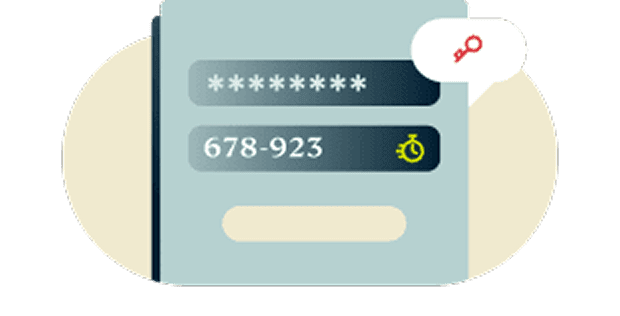
Tích hợp sẵn tính năng bảo mật xác thực hai yếu tố (2FA)
Bổ sung thêm một lớp bảo vệ cho các tài khoản của bạn với tính năng 2FA tích hợp sẵn. Không còn phải chuyển đổi qua lại giữa các ứng dụng xác thực. ExpressKeys mang đến một giải pháp quản lý tập trung và đồng bộ.
-
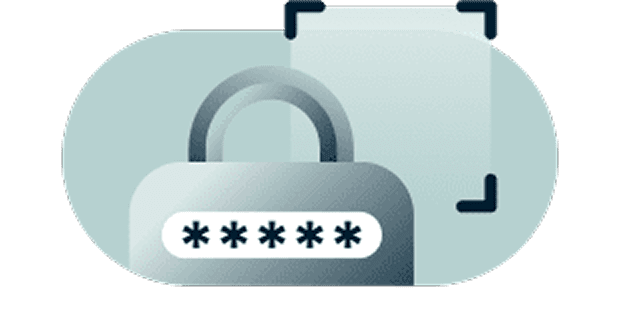
Chủ động kiểm soát với công nghệ mã hóa không tiết lộ thông tin
Dữ liệu của bạn chỉ có thể được giải mã bằng mật khẩu kho lưu trữ của bạn – chỉ mình bạn biết, hoặc bằng sinh trắc học – chỉ mình bạn có. Nói cách khác, các thông tin lưu trữ của bạn được bảo mật tuyệt đối đến mức ngay cả chúng tôi cũng không thể xem được.
-

Đồng bộ hóa an toàn trên các thiết bị ưa thích của bạn
Luôn được bảo vệ trên mọi thiết bị bạn sử dụng. ExpressKeys có các ứng dụng dành cho iOS và Android, cùng các tiện ích mở rộng dành cho trình duyệt Chrome, Edge và Brave. Truy cập các thông tin đăng nhập của bạn dễ dàng và an toàn dù bạn ở bất kỳ đâu.
Bắt đầu sử dụng ExpressKeys
Tải ExpressKeys và bắt đầu bảo vệ các tài khoản của bạn trong vài bước đơn giản
-
Bước 1
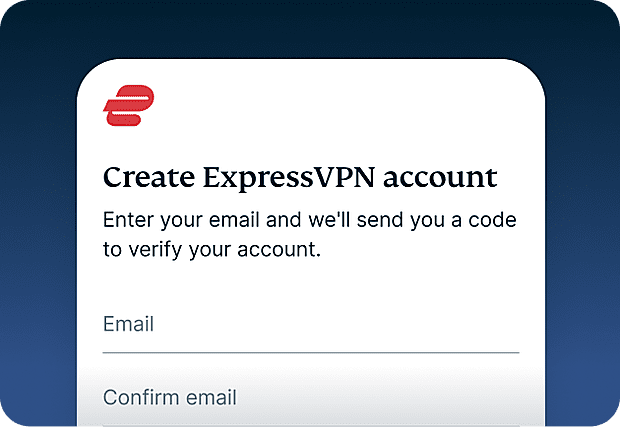
Đăng ký ExpressVPN
Hiện tại, bạn cần gói đăng ký ExpressVPN để sử dụng ExpressKeys. Đăng ký ExpressVPN và bắt đầu sử dụng ngay hôm nay.
-
Bước 2
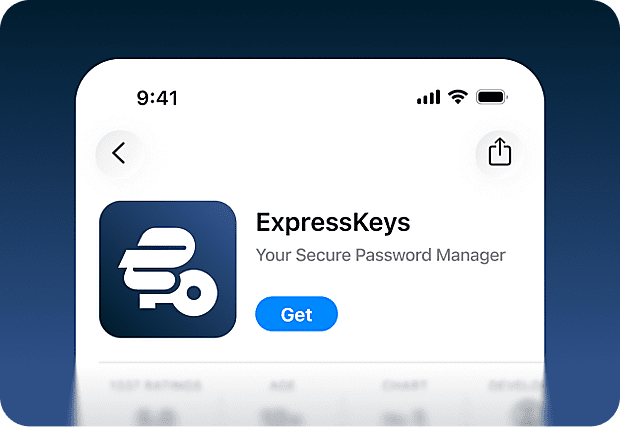
Tải ứng dụng ExpressKeys
Tải xuống ứng dụng ExpressKeys từ App Store và Google Play Store. Ngoài ra, còn có các tiện ích mở rộng trình duyệt dành cho Chrome, Edge và Brave mà bạn có thể sử dụng trên máy tính.
-
Bước 3
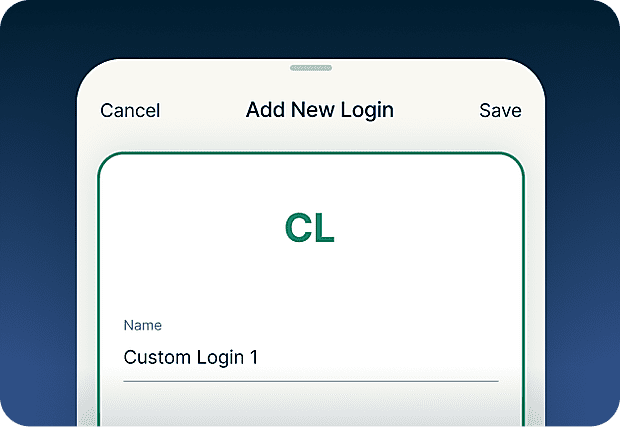
Thêm hoặc nhập mật khẩu
Lưu mật khẩu, ghi chú và thông tin thẻ tín dụng vào kho lưu trữ an toàn. Bạn cũng có thể sử dụng công cụ nhập để dễ dàng đồng bộ thông tin đăng nhập đã thêm vào các công cụ khác.
-
Bước 4
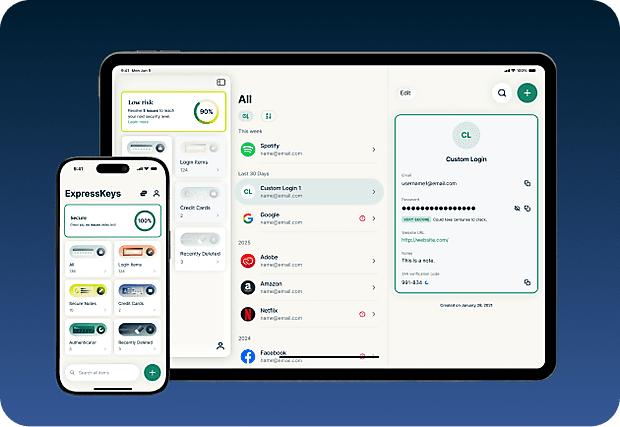
Đồng bộ an toàn với các thiết bị của bạn
Cài đặt ứng dụng trên nhiều thiết bị, sau đó mật khẩu, ghi chú cũng như thông tin thẻ đã lưu sẽ tự động được đồng bộ trên tất cả các thiết bị đó. Tận hưởng sự tiện lợi ở bất kỳ đâu!

Tải ExpressKeys về thiết bị di động
Truy cập App Store, Play Store, hoặc quét mã bằng điện thoại để tải về.


Câu hỏi thường gặp: Về ExpressKeys
Tìm hiểu thêm về ExpressKeys và tự tin chuyển đổi
ExpressKeys là gì?
ExpressKeys là một trình quản lý mật khẩu an toàn, lưu trữ mật khẩu, thẻ và ghi chú của bạn trong một kho lưu trữ mã hóa. Ứng dụng hoạt động trên thiết bị di động và trình duyệt, giúp bạn đăng nhập nhanh chóng nhờ tính năng tự động điền. Từng được biết đến với tên gọi ExpressVPN Keys, hiện đã được nâng cấp thành một ứng dụng độc lập.
Gói đăng ký ExpressVPN của tôi có bao gồm ExpressKeys không?
ExpressKeys đi kèm các gói ExpressVPN Advanced và Pro. Bạn cần có gói đăng ký ExpressVPN đang hoạt động để thiết lập lần đầu, tuy nhiên lưu ý rằng bạn vẫn sẽ có quyền truy cập thông tin đăng nhập đã lưu trữ với ExpressKeys ngay cả khi gói đăng ký ExpressVPN hết hạn.
ExpressKeys an toàn đến mức nào?
ExpressKeys rất an toàn. Kho lưu trữ của bạn được mã hóa bằng các khóa được tạo trên thiết bị và mật khẩu kho lưu trữ của bạn không bao giờ rời khỏi thiết bị, để bạn có thể truy cập thông tin đã lưu của mình.
Tôi có thể nhập mật khẩu từ các trình quản lý mật khẩu khác không?
Có. Bạn có thể nhập mật khẩu từ các trình quản lý mật khẩu phổ biến như LastPass, 1Password, Dashlane, iCloud Keychain và hầu hết các trình quản lý trên nền tảng trình duyệt. Hãy làm theo hướng dẫn từng bước của chúng tôi dành cho trình quản lý mật khẩu hiện tại của bạn.
ExpressKeys có hỗ trợ mã xác thực hai yếu tố (2FA) không?
Có. ExpressKeys có thể tạo mã 2FA cho các tài khoản được hỗ trợ, giúp bạn dễ dàng quản lý cả mật khẩu lẫn mã xác thực tại một nơi duy nhất.
Khóa truy cập (passkey) là gì?
Khóa truy cập là giải pháp thay thế hiện đại cho mật khẩu truyền thống, giúp chống lại các cuộc tấn công giả mạo và đánh cắp thông tin đăng nhập. Thay vì đăng nhập bằng mật khẩu, bạn chỉ cần xác thực danh tính của mình bằng vân tay, nhận diện khuôn mặt hoặc các phương thức xác thực bảo mật khác. ExpressKeys cho phép bạn tạo, lưu trữ và quản lý các khóa truy cập cùng với mật khẩu của mình trong cùng một kho lưu trữ an toàn.
Tôi có nên sử dụng trình duyệt làm trình quản lý mật khẩu không?
Việc lưu mật khẩu trực tiếp trên các trình duyệt như Chrome, Safari, Firefox và Opera có thể rất tiện lợi. Tuy nhiên, các trình quản lý mật khẩu chuyên dụng thường cung cấp các tính năng bảo mật mạnh mẽ hơn và cho phép bạn kiểm soát tốt hơn cách bảo vệ thông tin đăng nhập của mình.
ExpressKeys ngăn chặn tấn công giả mạo bằng cách nào?
ExpressKeys chỉ tự động điền thông tin khi tên miền của trang web trùng khớp hoàn toàn với tên miền được lưu trong kho bảo mật của bạn. Điều này giúp ngăn chặn việc nhập mật khẩu trên các trang web giả mạo hoặc có giao diện tương tự được thiết lập để đánh cắp thông tin đăng nhập của bạn.
How do I transfer my passwords from the old ExpressVPN Keys?
Download and install the ExpressKeys app. If you are signed into the ExpressVPN app and have used ExpressVPN Keys on your current device, you will be automatically signed into ExpressKeys. Unlock ExpressKeys and you will find all your existing logins, credit cards, and secure notes in the new app.
Dùng thử ExpressKeys miễn phí, không rủi ro, dành cho người dùng mới
Bạn chưa có ExpressVPN? Đăng ký ngay hôm nay và tận dụng chính sách đảm bảo hoàn tiền trong 30 ngày không rủi ro của chúng tôi. Hủy bất cứ lúc nào trong vòng 30 ngày và nhận lại toàn bộ tiền.