

Gestione delle password senza sforzo
- Archivia password, passkey, carte e note in un'unica cassaforte sicura
- Condividi in modo sicuro accessi e altri elementi sensibili con le persone di cui ti fidi
- Accedi rapidamente ai tuoi account con riempimento automatico e biometria
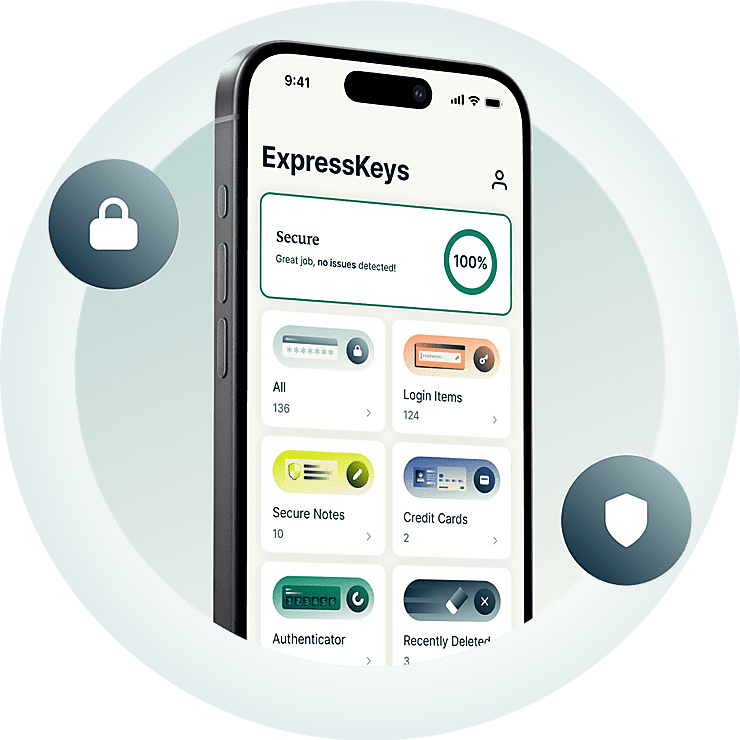



Tutto ciò che ti serve per proteggere i tuoi account
Scopri come ExpressKeys ti aiuta a creare, archiviare, condividere e gestire le password.
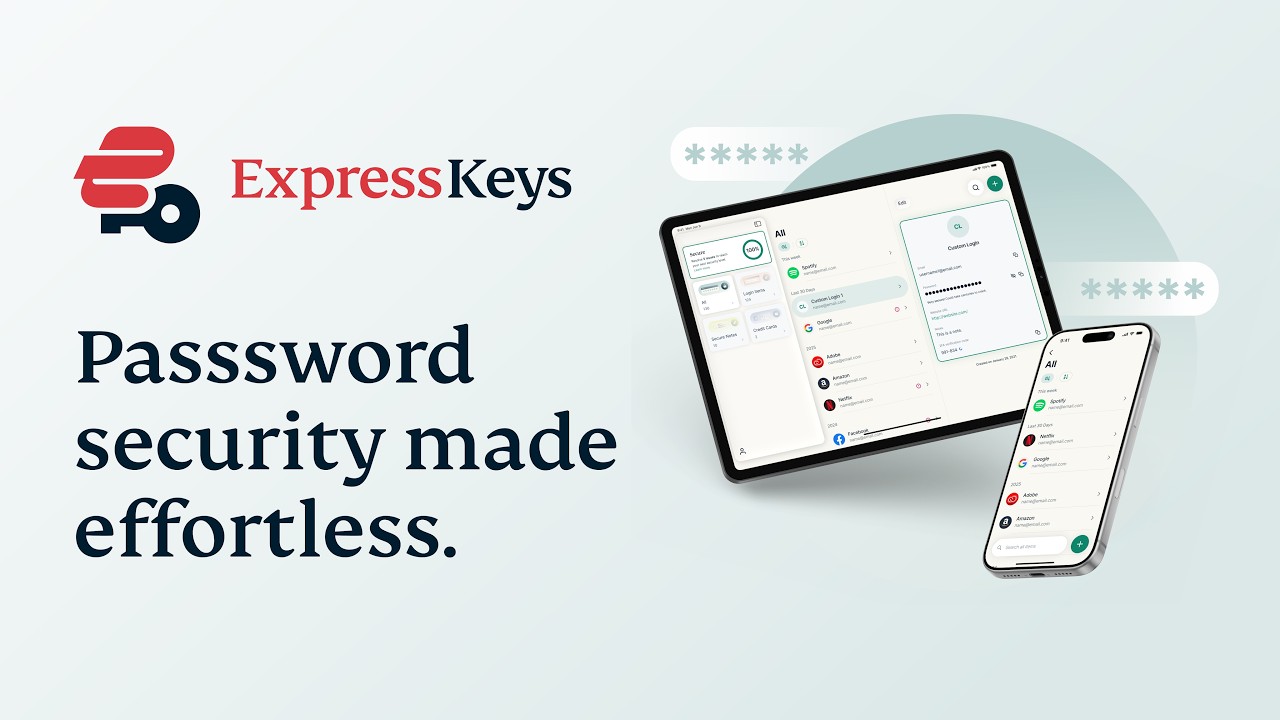
Perché ExpressKeys?
Migliore protezione delle password. Maggiore tranquillità.
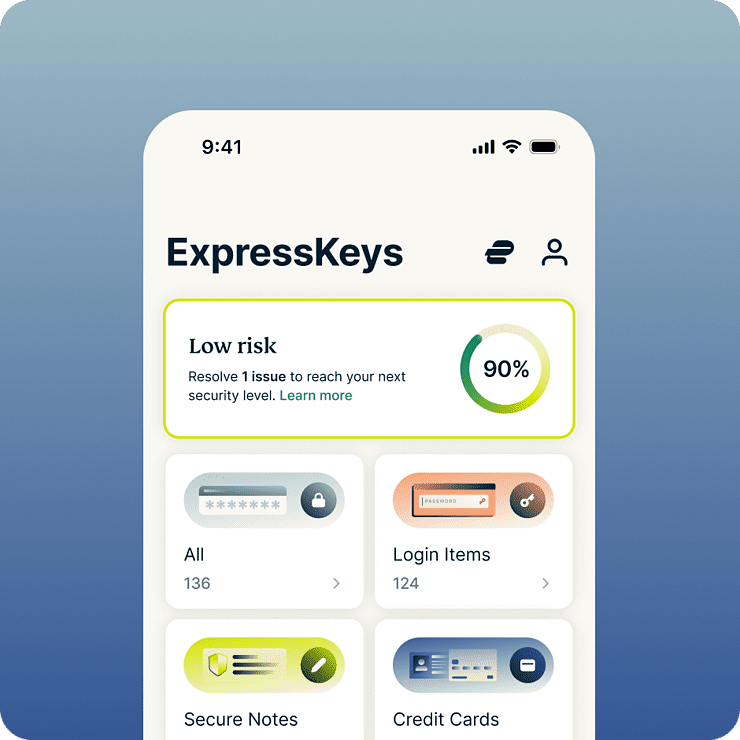
Risparmia tempo e stress ogni giorno
ExpressKeys semplifica quasi tutte le attività online, dall'accesso agli account social al pagamento nei negozi più amati. Grazie alla compilazione automatica e alla funzione di sblocco con dati biometrici, è semplicissimo effettuare accessi e acquisti. E poiché tutti i dati vengono salvati in un archivio crittografato, solo l'utente può accedervi, con la massima tranquillità.
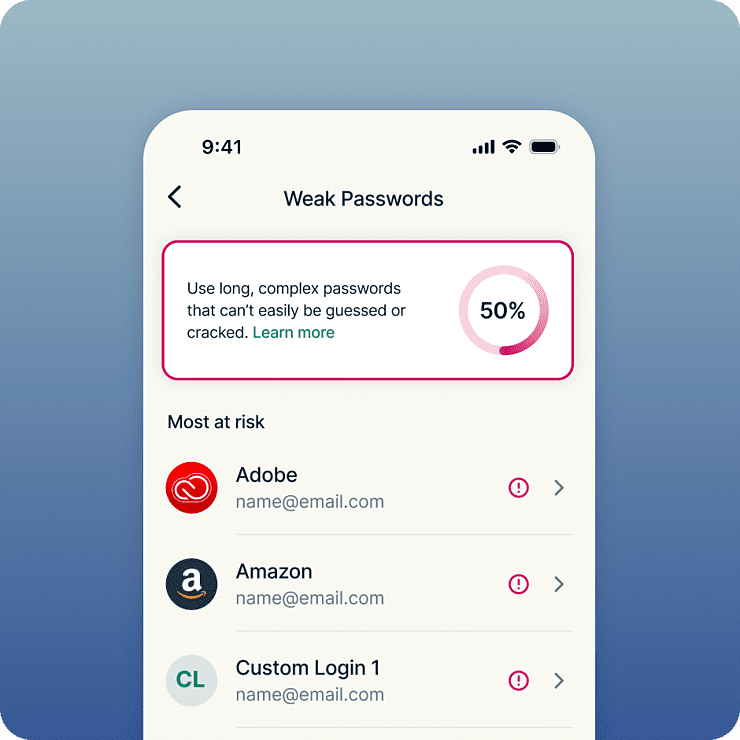
Maggiore sicurezza per tutti i tuoi account
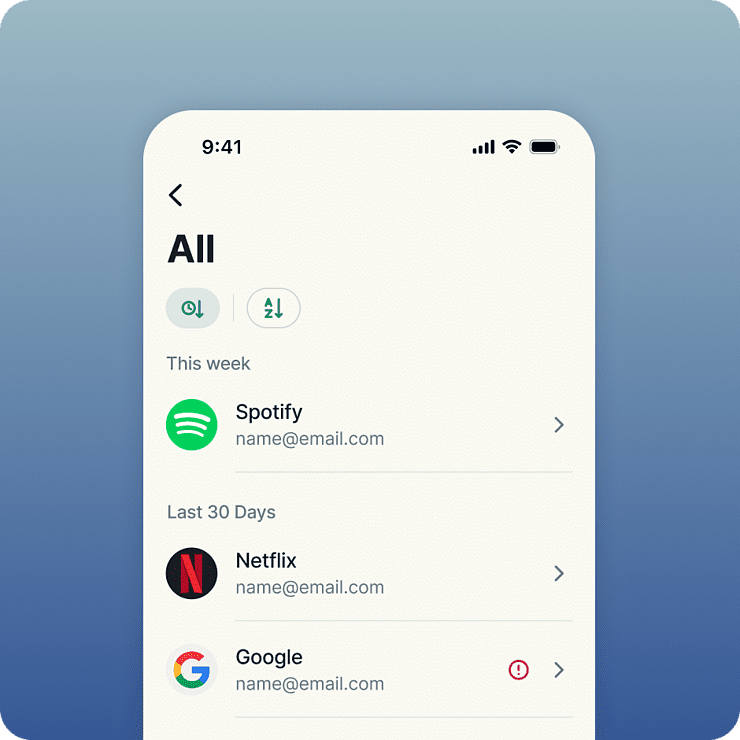
La sicurezza forte inizia con password forti. ExpressKeys segnala le password deboli e riutilizzate, permettendoti di sostituire facilmente le credenziali a rischio con password forti e uniche. Una volta salvate, le tue password e altre informazioni sensibili sono protette dallo standard di crittografia AES-256, lo stesso utilizzato dalle banche. E poiché tutto viene archiviato nel tuo archivio crittografato, hai la massima tranquillità sapendo che solo tu puoi accedervi.
Sviluppo eseguito da esperti in privacy e sicurezza
ExpressKeys è stato creato dall'équipe che si occupa della privacy e della sicurezza di ExpressVPN. I dati vengono protetti con chiavi di crittografia create direttamente sul dispositivo, per cui la password dell'archivio rimane sul dispositivo e non viene mai trasferita altrove. Il codice dell'archivio è scritto in linguaggio Rust per impedire attacchi alla memoria ed è stato oggetto di numerose revisioni indipendenti a garanzia della massima sicurezza.
Un unico piano per tutte le tue esigenze in materia di privacy digitale
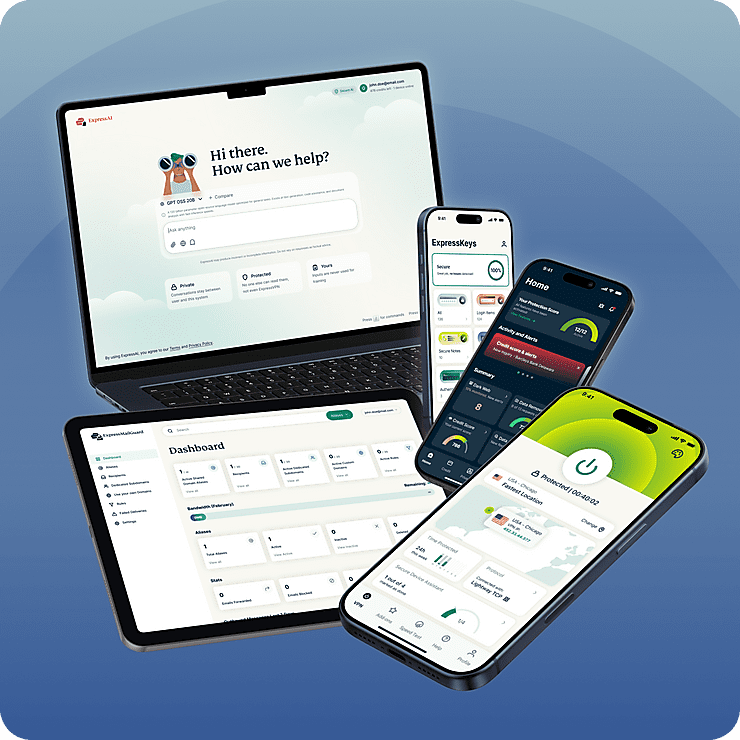
ExpressKeys fa parte della nuova suite per la privacy digitale di ExpressVPN. Proteggi la tua navigazione in Internet con la nostra VPN affidabile e migliora la privacy della tua casella di posta con ExpressMailGuard, il tutto con un unico abbonamento. Tutti i servizi funzionano in perfetta sincronia su tutti i tuoi dispositivi. Progettato per proteggere al meglio la tua vita online con il minimo sforzo.
Funzionalità intelligenti, facili da usare
Scopri com'è un gestore di password più intelligente
-
Spazio di archiviazione illimitato per tutte le tue credenziali
Crea il tuo archivio senza temere di rimanere senza spazio disponibile. L'unico abbonamento da noi proposto è quello senza limiti di spazio, quindi non ci sono restrizioni neanche sul numero di password, note protette e carte di credito che si possono archiviare su ExpressKeys.
-
Condividi le informazioni sensibili in modo sicuro
Condividi password, carte, appunti e altre informazioni sensibili con amici, familiari e colleghi. Crea link di condivisione sicuri, controlla gli accessi ed evita di divulgare dati sensibili tramite e-mail, messaggi o app di chat.
-
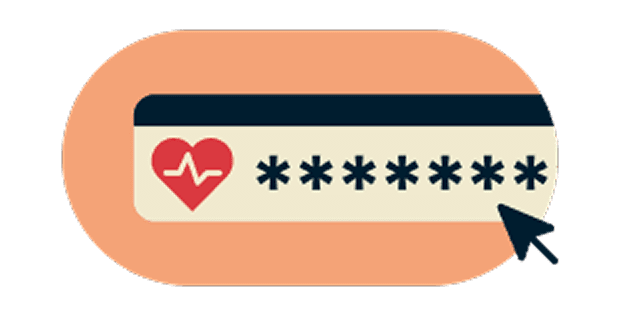
Individua le password deboli prima che diventino un problema
Sincronizzazione sicura su tutti i tuoi dispositivi preferiti
-
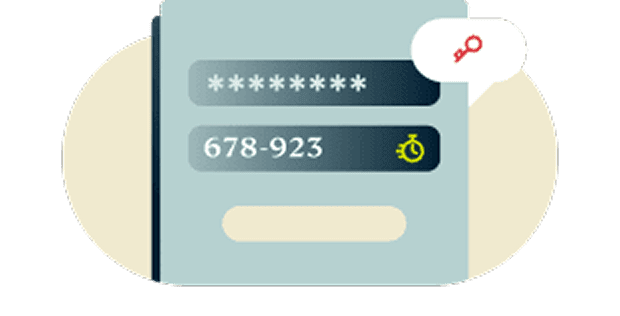
Autenticazione a due fattori (2FA) integrata
Aggiungi un ulteriore livello di protezione ai tuoi account grazie all'autenticazione a due fattori (2FA) integrata. Dimentica il fastidio di dover gestire più app di autenticazione. ExpressKeys offre una soluzione unificata.
-
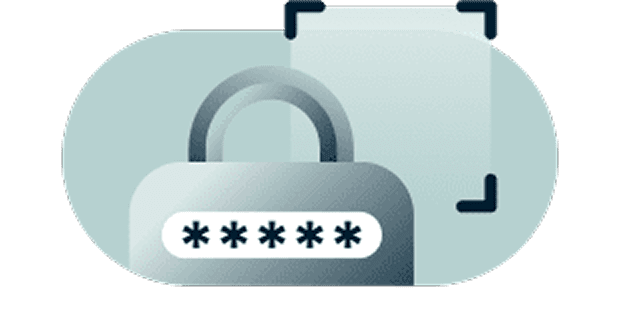
La crittografia zero-knowledge ti dà il pieno controllo
I tuoi dati possono essere decriptati solo con la password del tuo archivio, che conosci solo tu, oppure tramite i dati biometrici, che possiedi solo tu. In altre parole, gli elementi salvati sono così protetti che nemmeno noi possiamo vederli.
-

Sincronizzazione sicura su tutti i tuoi dispositivi preferiti
Rimani protetto su ogni dispositivo che utilizzi. ExpressKeys offre app per iOS e Android, oltre a estensioni per i browser Chrome, Edge e Brave. Accedi alle tue credenziali in modo semplice e sicuro, ovunque ti trovi.
Inizia a usare ExpressKeys
Scarica ExpressKeys e inizia a proteggere i tuoi account in pochi semplici passaggi
-
Fase 1
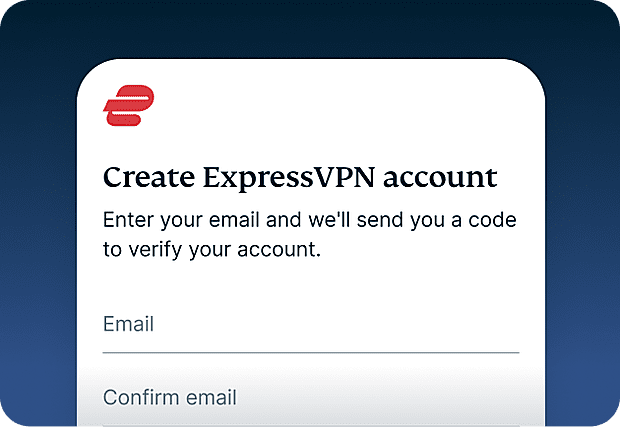
Abbonati a ExpressVPN
Al momento, è necessario avere un abbonamento ExpressVPN per usare ExpressKeys. Abbonati a ExpressVPN e inizia subito.
-
Fase 2
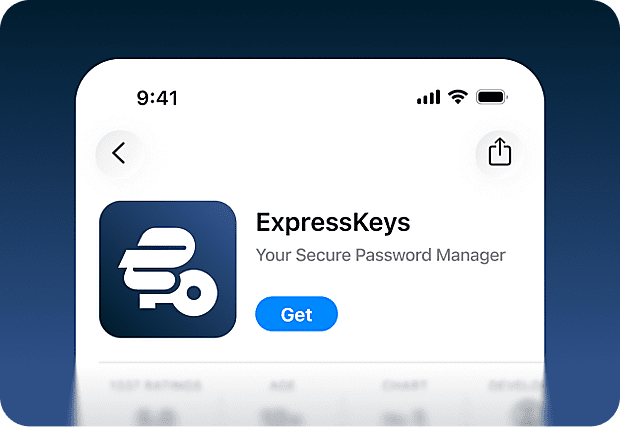
Scarica l'app di ExpressKeys
Scarica l'app ExpressKeys da App Store e Google Play Store. Sono disponibili anche estensioni per browser Chrome, Edge e Brave per il tuo computer.
-
Fase 3
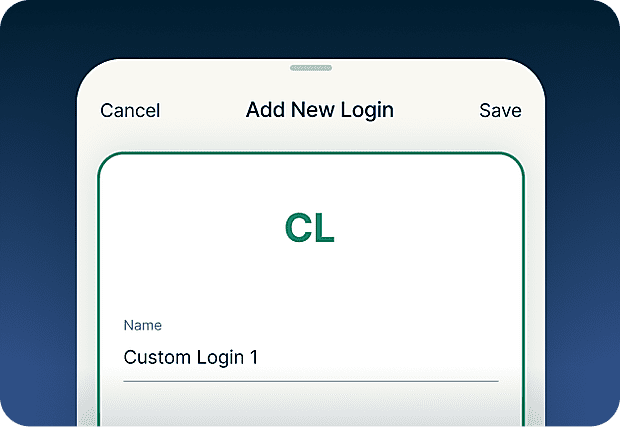
Aggiungi o importa password
Salva password, note e dati della carta di credito nel tuo archivio sicuro. Puoi anche utilizzare lo strumento di importazione per sincronizzare con facilità le credenziali salvate su altri strumenti.
-
Fase 4
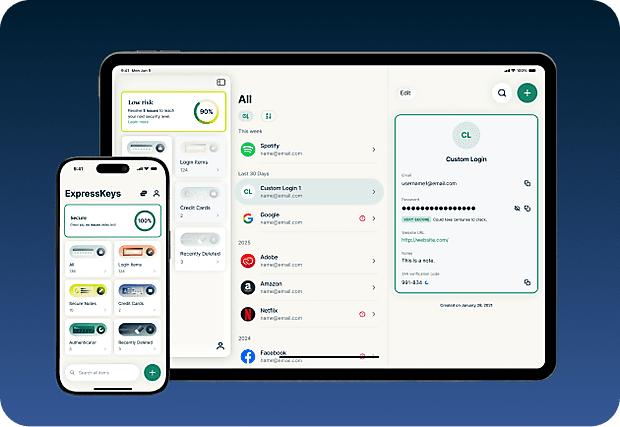
Sincronizzazione sicura su tutti i tuoi dispositivi
Installando l'app su più dispositivi, tutte le password, le note e i dati delle carte salvati verranno sincronizzati automaticamente. Potrai usarli ovunque ti trovi!
Scarica ExpressKeys sui dispositivi mobili
Visita l'App Store, il Play Store o scansiona il codice dal telefono per scaricare l'app.


FAQ: informazioni su ExpressKeys
Scopri di più su ExpressKeys e passa a questo sistema in tutta tranquillità
Cos'è ExpressKeys?
ExpressKeys è un gestore di password sicuro che archivia password, carte e note in un archivio crittografato. Funziona sui dispositivi mobili e sui browser e consente di accedere rapidamente grazie alla funzione di autocompilazione. Prima si chiamava ExpressVPN Keys, ma ora è stato trasformato in un'app a sé stante.
ExpressKeys è incluso nel mio abbonamento a ExpressVPN?
ExpressKeys è incluso negli abbonamenti Advanced e Pro di ExpressVPN. Per configurarlo per la prima volta occorre avere un abbonamento ExpressVPN attivo, ma è possibile continuare ad accedere alle credenziali memorizzate con ExpressKeys anche dopo la scadenza dell'abbonamento.
Quanto è sicuro ExpressKeys?
ExpressKeys è molto sicuro. L'archivio è crittografato con chiavi create direttamente sul dispositivo, mentre la password dell'archivio non viene mai trasferita altrove, in modo da poter accedere alle informazioni salvate.
È possibile importare password provenienti da altri gestori?
Sì. È possibile effettuare importazioni dai gestori di password più diffusi, quali LastPass, 1Password, Dashlane, iCloud Keychain e la maggior parte dei gestori su browser. Si prega di seguire la nostra guida dettagliata corrispondente al gestore di password attuale.
ExpressKeys è compatibile con i codici 2FA?
Sì. ExpressKeys può generare codici 2FA per gli account supportati, consentendoti così di gestire password e autenticazione da un unica applicazione.
Cosa sono le passkey?
Le passkey sono un'alternativa moderna alle password, in grado di proteggere da phishing e furto delle credenziali. Invece di accedere con una password, verifichi la tua identità tramite impronta digitale, scansione del volto o un altro metodo di autenticazione. ExpressKeys ti permette di creare, archiviare e gestire le passkey insieme alle tue password, nello stesso archivio sicuro.
Dovrei usare il mio browser come gestore di password?
Salvare le password nel browser (come Chrome, Safari, Firefox e Opera) può essere comodo, ma i password manager dedicati offrono generalmente funzionalità di sicurezza più avanzate e un maggiore controllo su come vengono protette le tue credenziali.
In che modo ExpressKeys previene il phishing?
ExpressKeys effettua il riempimento automatico solo quando il dominio del sito corrisponde a quello salvato nel tuo archivio. Questo aiuta a prevenire l'inserimento delle password su siti falsi o contraffatti che cercano di rubare le tue credenziali di accesso.
How do I transfer my passwords from the old ExpressVPN Keys?
Download and install the ExpressKeys app. If you are signed into the ExpressVPN app and have used ExpressVPN Keys on your current device, you will be automatically signed into ExpressKeys. Unlock ExpressKeys and you will find all your existing logins, credit cards, and secure notes in the new app.
Richiedi una prova senza rischi di ExpressKeys se sei un nuovo utente
Non hai ancora ExpressVPN? Registrati oggi stesso e approfitta della nostra garanzia di rimborso da 30 giorni senza rischi. Potrai disdire in qualsiasi momento entro 30 giorni e ottenere un rimborso completo.