

VPN routers: Home network privacy
Learn how VPN routers work, what to look for, and why more users are switching to ExpressVPN apps for multi-device protection
- Router VPN setup and configuration options
- Key benefits, limits, and common pitfalls to avoid
- How ExpressVPN apps compare and what they offer that routers can't
30-DAY MONEY-BACK GUARANTEE FOR FIRST-TIME USERS

-

IPHONE/IPAD -

Android -

Windows -

Mac -

Linux -

Router -

Smart TV -

Game console
What is a VPN router and how does it work?
A VPN router acts as a secure gateway between your home and the internet

How a VPN router protects your household
A VPN router establishes an encrypted connection between your home network and a VPN server on the internet. It routes all traffic from connected devices through this encrypted tunnel.
Websites and services see the VPN server’s IP address, which masks your real IP address. This setup automatically extends the privacy and security VPNs offer to every device using your Wi-Fi.
Why use a VPN router at home?
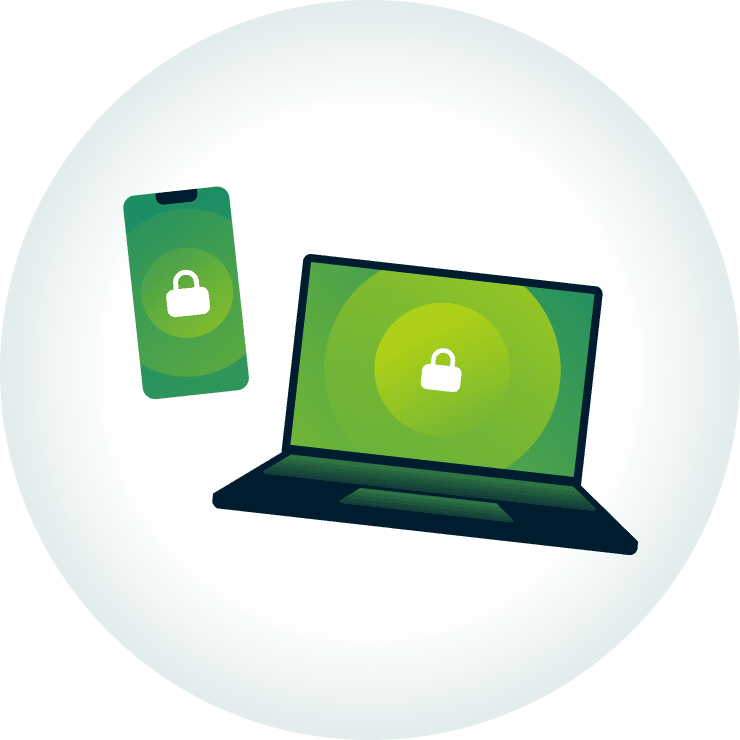
Modern homes are packed with connected devices, from phones and laptops to smart TVs and IoT gadgets. A VPN-enabled router secures them all through a single, always-on VPN connection.
With a VPN configured on your router, every device shares the same VPN location, protocol, and configuration. You only need to set it up once for always-on protection across your entire household, including devices that don’t support VPN apps.
How to add a VPN to your router
The main methods to set up a VPN on your home router
1. Using a router with built-in VPN support
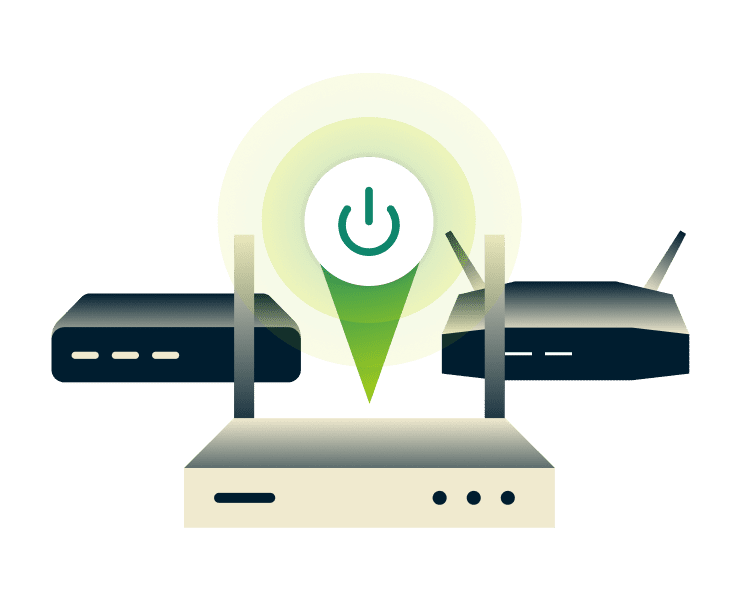
Some modern routers include VPN client functionality in their firmware. These VPN-enabled routers let you connect directly through the router’s settings.
Setup usually involves logging into the router’s admin panel, selecting a protocol, and entering your VPN service details. The exact steps and features vary depending on the router model. Once connected, the router handles the VPN connection for all devices on your network.
2. Manual configuration via open-source firmware
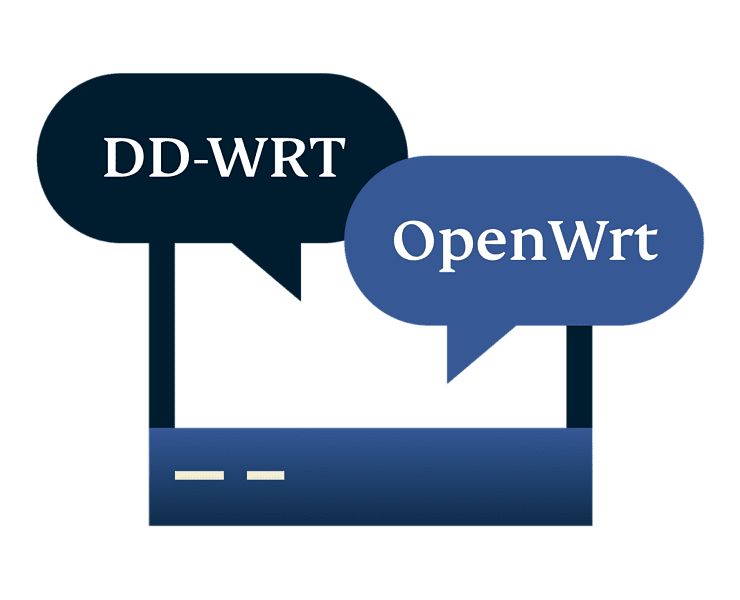
Open-source firmware such as DD-WRT or OpenWrt can be installed on a compatible router. After installation, configure the VPN manually by setting up protocols, routing rules, and firewall options.
This method offers a high level of control and customization but has to be done correctly to avoid harming the router. That means it’s typically suited to those who are comfortable with managing network configurations and troubleshooting issues.
3. Connecting via a dedicated VPN hardware gateway
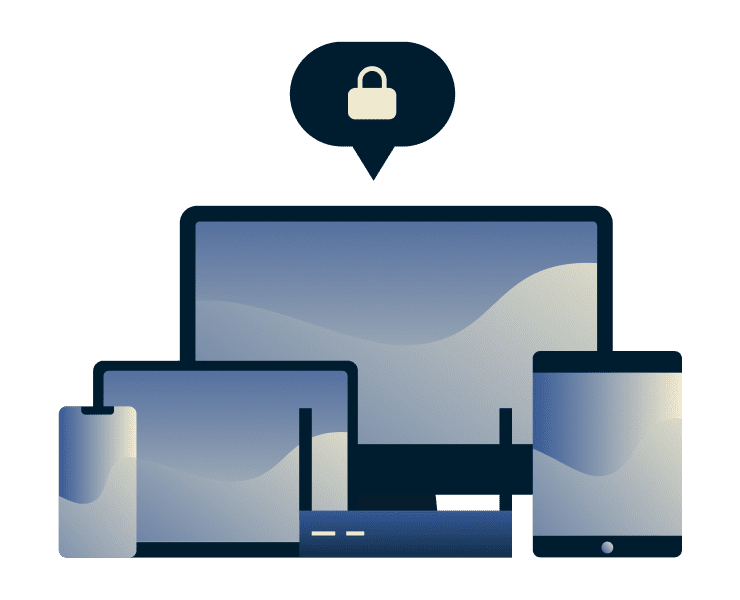
You can use a separate device as a VPN gateway. This could be a travel router or a small computer configured to run a VPN client. The gateway sits between your modem and main router, or creates its own Wi-Fi network. Devices that connect through it use the VPN, while others can connect normally.
This approach adds flexibility, as you can choose which devices use the VPN without changing your main router. It also lets you experiment with different setups without modifying your primary network.
A VPN router vs. the ExpressVPN app
Why device-level VPN apps outperform router setups
| Feature | VPN Router (manual) | ExpressVPN app |
| Setup speed | Manual configuration through router settings that requires time and technical know-how | Install and connect in minutes with no technical setup or expertise needed |
| Server switching | Log into router settings to change locations, and the same server applies to every device | Switch locations almost instantly on each device |
| 40Gbps support | Performance depends on router hardware and speeds are often limited by the router’s processing power | Connects through a server network built on 10–40Gbps infrastructure that’s built to handle fast speeds without congestion |
| Device flexibility | One encrypted connection shared across all devices, typically no per-device controls | Adjust VPN settings per device and everyone can use their own VPN location at once |
| Network coverage | Only protects devices on your home Wi-Fi | Protects 10 to 14 devices at once and can be used on any network: home, public Wi-Fi, mobile data |
VPN routers offer coverage at home, but the ExpressVPN app supports fast speeds, flexible control, and protection wherever you connect

Why the ExpressVPN app handles speed better
Most VPN-enabled routers use relatively weak CPUs. That single processor handles encryption for every device on your network. This creates a bottleneck, slowing down performance.
With the ExpressVPN app, each device runs its own encrypted connection using its own processing power. Your Windows desktop, iPhone, and Apple TV use separate connections, so traffic isn’t competing through a single point.
For most people, that means a faster and less congested connection compared to a typical router-based setup.
How to choose the best VPN router for your needs
What to consider before you invest in a VPN-ready router
Ongoing upkeep and troubleshooting
Running a VPN on a router isn’t a one‑time task. You may need to keep an eye on firmware updates, configuration files, and changes from your internet provider. Plus, if something breaks it can be hard to know where to start.
With the ExpressVPN app, updates are handled for you in just a few clicks. You get the latest features and security fixes without digging into menus or re‑doing your setup. That means up-to-date VPN protection without the maintenance overhead.
Protocol support for restrictive networks
Some networks restrict access to certain content or services. In these cases, being able to switch VPN protocols or servers can help maintain a working connection, so you can reliably access what you need.
On a router, that can mean navigating advanced settings or reconfiguring the connection. With the ExpressVPN app, switching protocols or servers takes a few taps—or just let the app choose automatically. This flexibility gives you more ways to find a working connection, without extra setup.

Ease of use and everyday flexibility
VPN routers often require a level of technical confidence to set up right and manage. They’re typically better suited to advanced users who are comfortable configuring network settings.
ExpressVPN’s app offers a more straightforward approach. You can install, connect, and switch locations in a few clicks, no complex steps required. Protect all your devices individually while keeping full control. And with 24/7 support available, help is only a message away.
What you get with ExpressVPN that router VPNs can't offer
The ExpressVPN app goes beyond just securing your connection
Lightway protocol for fast, reliable connections
Routers are usually locked to the few VPN protocols their firmware supports—changing them means digging through advanced menus. That limits adaptability on slow, unstable, or restrictive networks.
ExpressVPN's custom-built Lightway protocol is designed for fast, reliable connections. The app even auto-switches protocols for the best connection, with zero manual tweaks needed.
Internet Kill Switch for added security
If a router‑level VPN drops, your devices can silently fall back to the regular internet connection. You might keep browsing or streaming without realizing your traffic is no longer protected.
ExpressVPN apps include a built‑in Internet Kill Switch that works on each device. If the connection fails, the app pauses all internet traffic until VPN protection is restored, helping prevent your data and activity from being exposed.
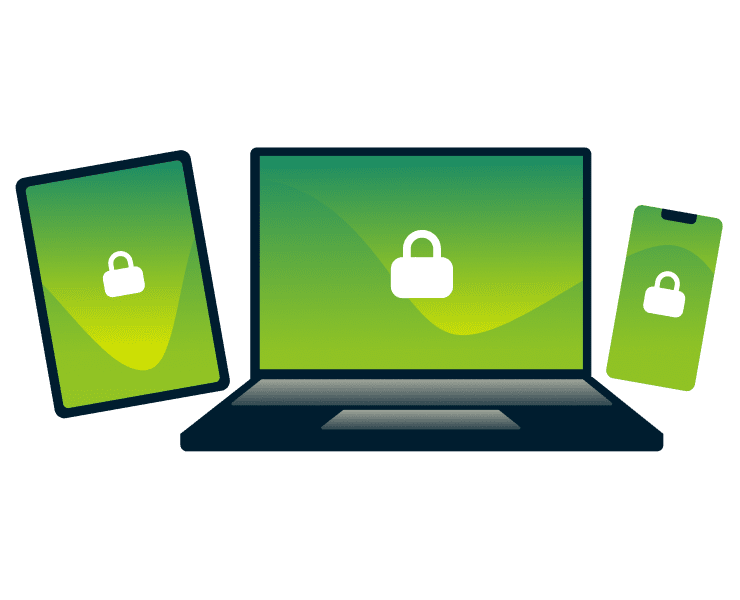
Individual control for every device
A VPN router applies one server location and one set of configuration settings to your entire network. Changing it disrupts the whole household, even if only one person needs a different server.
With ExpressVPN apps, each device can have its own VPN location and settings. Connect the TV to one server, your laptop to another for work, or browse locally on your phone, all at the same time.

Threat protection that travels with you
Router‑level blocking only works when you’re connected to your home network. When you step outside your home Wi‑Fi, those protections vanish.
Depending on your tier, ExpressVPN apps include advanced protection features that block trackers and malicious domains at the DNS level. That protection moves with you throughout the day, covering all your apps regardless of which network you’re on.
The modern alternative: Protecting your home with ExpressVPN apps
Controlling your network security starts with a single tap
-
Step 1

Choose a subscription option
Sign up for ExpressVPN with a a 30-day risk-free money-back guarantee*.
-
Step 2
Download the app
Download and install apps for your phone, laptop, and more in minutes.
-
Step 3
Connect and go
Connect to secure your traffic for browsing, streaming, and gaming.
24/7 customer support via live chat and email
*30-days money-back guarantee for first time customers only. Contact Support to request a refund. iOS refunds are at the discretion of Apple.
What people are saying about ExpressVPN
Happy customers appreciate the speed and simplicity of ExpressVPN’s apps
-
Absolutely fantastic. It was the perfect solution for connectivity issues in a game I've been playing recently.
J B


-
ExpressVPN is the perfect all around VPN service for your network security needs.
Dirt_Reynolds


-
ExpressVPN is the fastest VPN I've found. It shows you the fastest server you can connect to, and a list of alternate servers.
Christopher Gilmer
-
#1 Best VPN 2026 & Best Gaming VPN
ExpressVPN is the best Gaming VPN right now, thanks to its impressive speeds, excellent privacy protections and expansive global network of servers.

-
Editor’s Choice Award 2026
ExpressVPN’s expansive network and dedication to staying on the forefront of encryption tech earn it an award.

-
#1 Best VPN for the U.S. 2026
ExpressVPN is the best VPN for the U.S. right now. It has VPN servers in every American state, excellent security, and a simple user interface.

-
 Rated 4.4 out of 5
 -
 Rated 4.7 out of 5






FAQ
Get the answers to all your VPN for router questions
Does ExpressVPN still offer a VPN router app or hardware?
No. ExpressVPN has moved to an app-first approach. Apps deliver faster performance by using each device’s processing power, rather than relying on a single router. They also give you more control over locations and settings, making protection simpler, more flexible, and better suited to modern devices.
Is it better to put a VPN on my router or use an app?
For most people, apps are the better choice compared to a router with VPN. They let you control settings on each device, switch locations instantly, and stay protected beyond your home network. You get consistent security across all your devices, without being limited to one shared connection or setup.
How can I hide my data from my ISP without a VPN router?
You don’t need a router setup to improve privacy. Install the ExpressVPN app on your devices to encrypt your connection and mask your activity from your ISP. This protects your browsing at home and on other networks, including public Wi-Fi, with no extra hardware required.
How many devices can I protect if I don’t use a router?
You can protect multiple devices by installing the app on each one. ExpressVPN supports 10 to 14 simultaneous connections, depending on your subscription. Secure your phone, laptop, tablet, and more at the same time, without needing to route everything through a single network.
Will a VPN router slow down my Wi-Fi?
It can. Router CPUs handle encryption for every connected device at once, which can slow things down. ExpressVPN apps avoid this by using each device's own processor, removing that bottleneck. Many servers also run on 40Gbps infrastructure, so bandwidth is never the limiting factor on our end.
How to install VPN on router?
There are several ways to set up a VPN on a router, including built-in settings or custom firmware. These methods can be technical and vary by device. VPN apps are quicker. Install and secure your connection in a few clicks, with no complex setup required.
Ready to secure your home network?
Get fast, flexible protection for all your devices
- Skip the complexity of router setups and secure your devices in minutes.
- Install the ExpressVPN app, connect in a tap, and stay protected on any network.
- Choose your deal and get started with a 30-day money-back guarantee*.
*Available for new customers only. Contact our support team to request a refund. iOS and Android in-app purchases are not covered by ExpressVPN's 30-day money-back guarantee.