

パスワード管理が簡単に
- パスワード、パスキー、カード、メモを1つのセキュアなボルトに保存
- ログイン情報やその他の機密情報を信頼できる人と安全に共有
- オートフィルと生体認証でアカウントにすぐアクセス
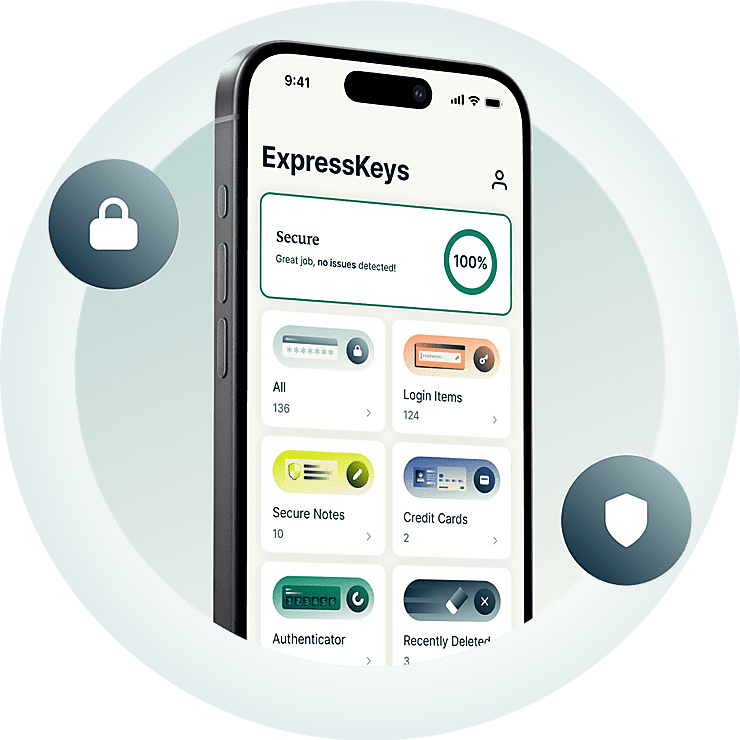



アカウント保護に必要なものがすべて揃っています
ExpressKeysなら、パスワードの作成、保存、共有、管理が簡単に行えます。
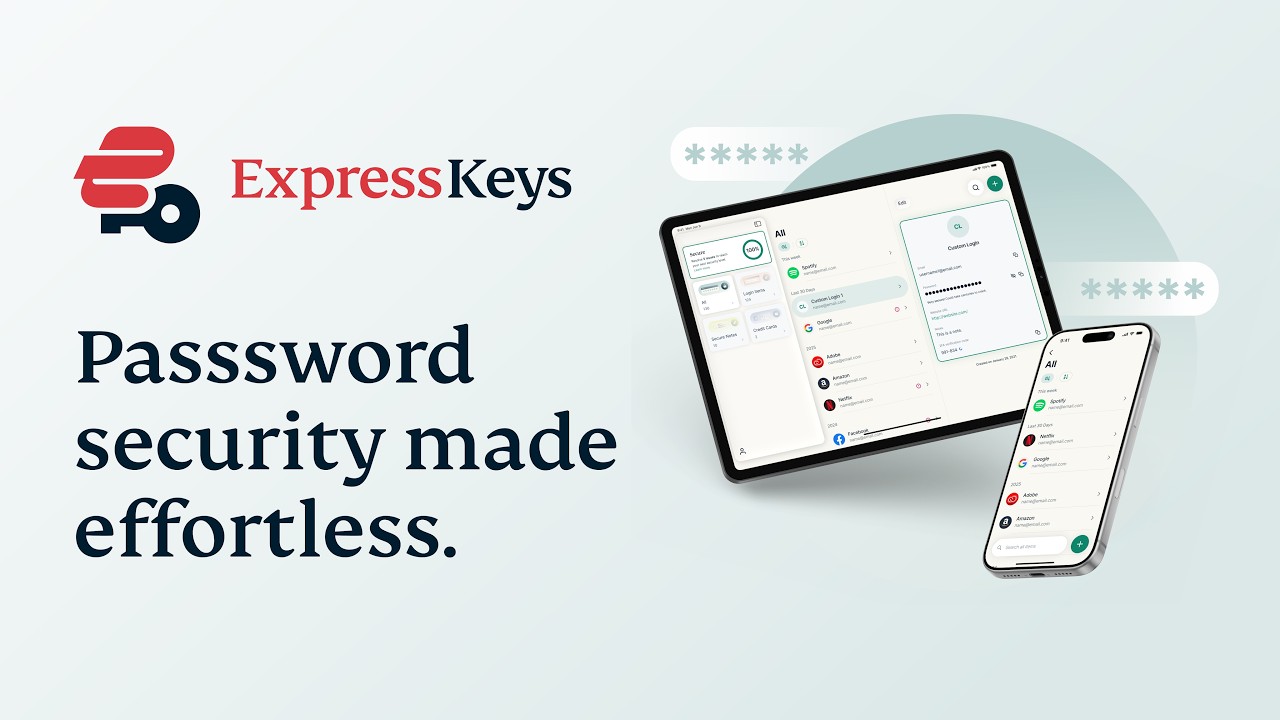
なぜ ExpressKeys なのか?
パスワード保護をアップグレード。安心もアップグレード。
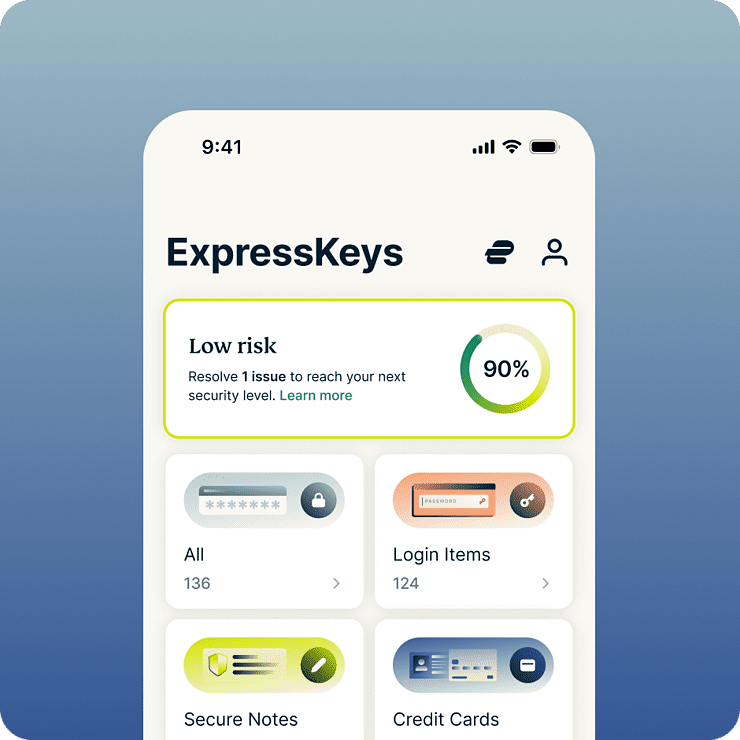
毎日の時間とストレスを節約
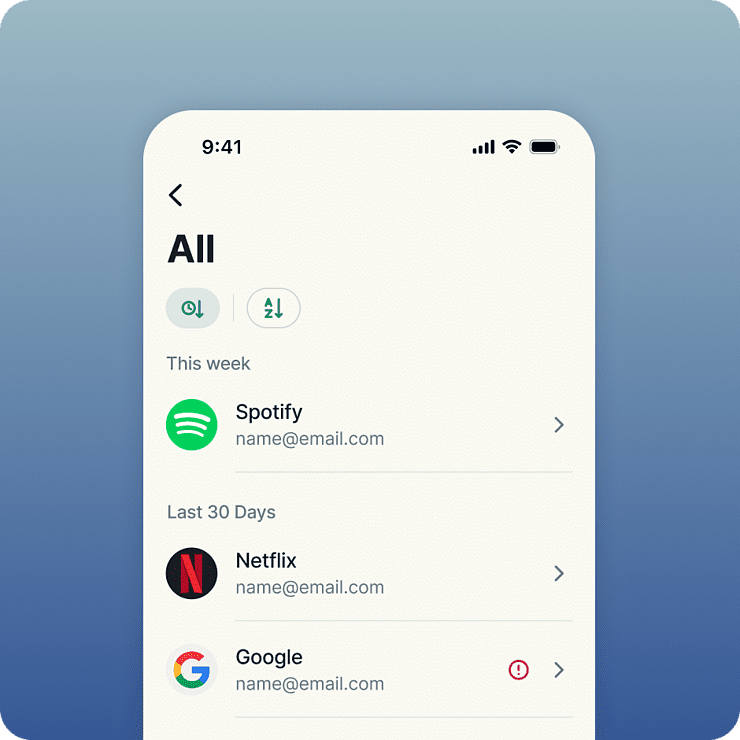
ExpressKeys は、SNSへのログインからお気に入りショップでの決済まで、オンラインでのほぼすべての操作を効率化します。自動入力や生体認証によって、ログインや購入は驚くほどスムーズに。すべての情報は暗号化された保管庫に保存されるため、アクセスできるのはあなただけ。確かな安心感を得られます。
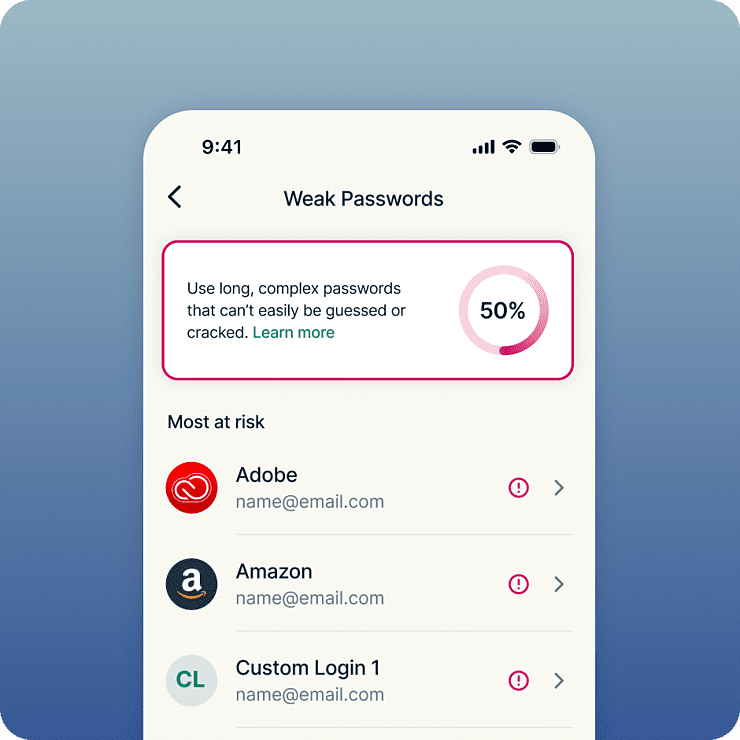
すべてのアカウントをより強固に保護
強固なセキュリティは、強力なパスワードから始まります。ExpressKeysは、脆弱なパスワードや使い回されているパスワードを検出するため、リスクのあるログイン情報を強力で固有のものに簡単に変更できます。保存されたパスワードやその他の機密情報は、銀行でも採用されているAES-256暗号化規格によって保護されます。すべての情報は暗号化された保管庫に保存されるため、自分だけがアクセスできるという安心感が得られます。
プライバシーとセキュリティの専門家が開発
ExpressKeys は、ExpressVPN を支えるプライバシーおよびセキュリティチームによって開発されています。データはお使いのデバイス上で生成された暗号鍵によって保護され、保管庫のパスワードが外部に出ることはありません。保管庫のコードベースはメモリベースの攻撃を防ぐために Rust で記述されており、信頼性を高めるために複数回の独立監査も実施されています。
デジタルプライバシーに必要な機能を1つのプランで
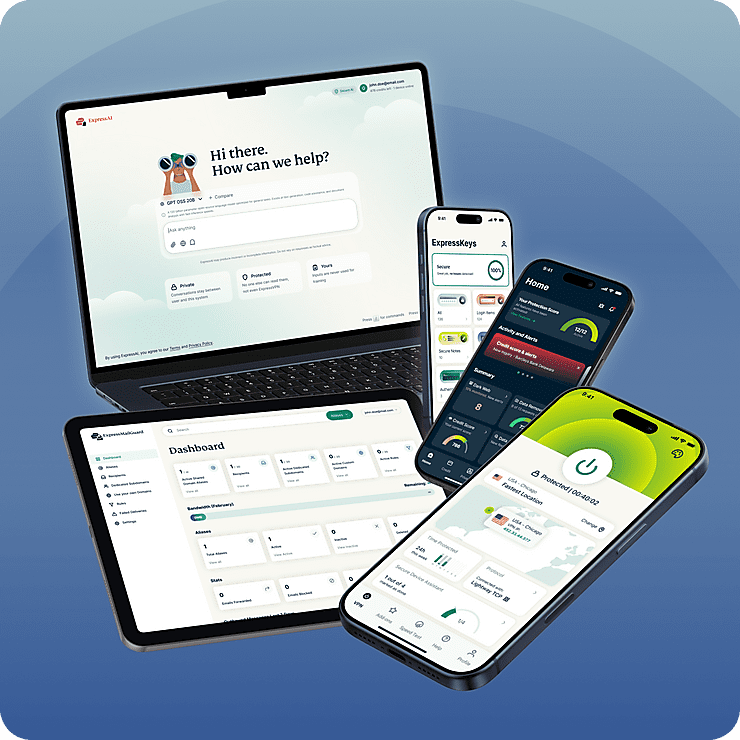
ExpressKeysは、ExpressVPNの新しいデジタルプライバシースイートの一部です。信頼性の高いVPNでインターネット接続を保護し、ExpressMailGuardで受信トレイのプライバシーを強化できます。これらすべてを1つのサブスクリプションで利用できます。すべての機能が、あらゆるデバイス上でシームレスに連携します。手間をかけずに、オンラインでの生活をより幅広く保護できるよう設計されています。
便利な機能を簡単に使える
よりスマートなパスワードマネージャーをご覧ください
-
すべての認証情報を無制限に保存
容量不足を気にすることなく、保管庫を構築できます。ExpressKeys では無制限ストレージのみを提供しているため、保存できるパスワード、セキュアノート、クレジットカードの数に制限はありません。
-
機密情報を安全に共有
パスワード、カード情報、メモなどの機密情報を、友人、家族、同僚と共有できます。安全な共有リンクを作成してアクセスを管理できるため、メール、メッセージ、チャットアプリで機密データを漏えいさせるリスクを回避できます。
-
問題が起きる前に脆弱なパスワードを検出
お気に入りのデバイス間で安全に同期
-
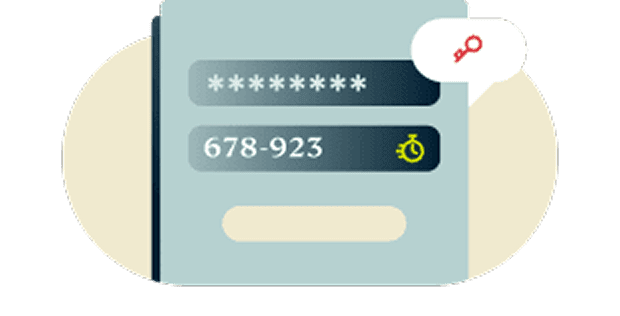
二要素認証(2FA)を内蔵
統合された2FAにより、アカウントに保護レイヤーを追加できます。複数の認証アプリを使い分ける必要はありません。ExpressKeysなら、すべてを1つにまとめて管理できます。
-
ゼロ知識暗号化でデータを自分で管理
データを復号できるのは、自分だけが知っている保管庫のパスワード、または自分だけが持つ生体認証を使用した場合に限られます。つまり、保存された項目は、ExpressVPNでさえ確認できないほど強固に保護されています。
-

お気に入りのデバイス間で安全に同期
使用するすべてのデバイスで保護を維持できます。ExpressKeysにはiOS版とAndroid版のアプリに加え、Chrome、Edge、Brave向けのブラウザ拡張機能があります。どこにいても、認証情報へ簡単かつ安全にアクセスできます。
ExpressKeysを使い始める
ExpressKeysをダウンロードして、簡単な手順でアカウントの保護を始めましょう
-
ステップ1
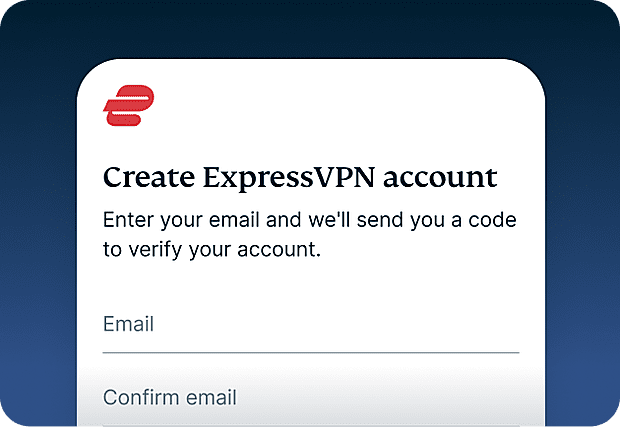
ExpressVPN に登録
ExpressKeys を利用するには、現在 ExpressVPN のサブスクリプションが必要です。ExpressVPN に登録して、今すぐ始めましょう。
-
ステップ2
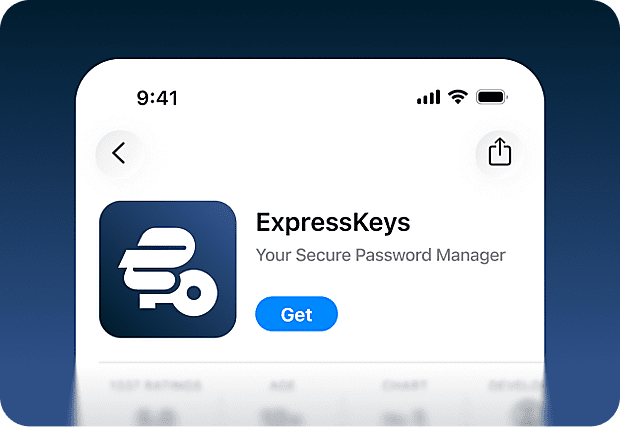
ExpressKeys アプリをダウンロード
ExpressKeysアプリは、App StoreおよびGoogle Play Storeからダウンロードできます。デスクトップでは、Chrome、Edge、Brave向けのブラウザ拡張機能も利用可能です。
-
ステップ3
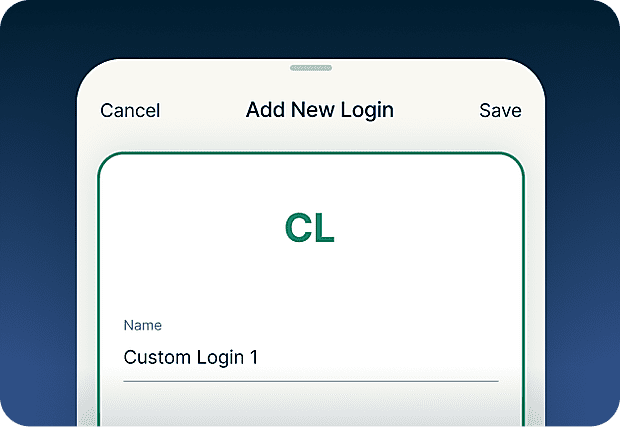
パスワードを追加またはインポート
パスワード、メモ、クレジットカード情報を安全な保管庫に保存します。インポートツールを使えば、他のツールに保存された認証情報も簡単に同期できます。
-
ステップ4
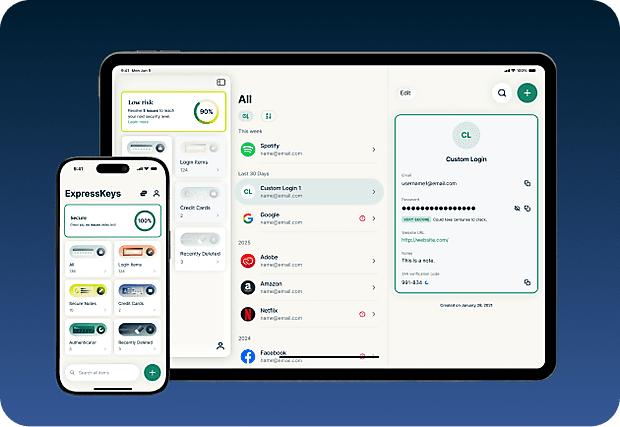
デバイス間で安全に同期
複数のデバイスにアプリをインストールすると、保存したパスワード、メモ、カード情報が自動的にすべてのデバイスで同期されます。どこにいても快適に利用できます。
モバイルデバイスにExpressKeysをダウンロード
App Store または Play ストアにアクセスするか、スマートフォンでコードをスキャンしてダウンロードしてください。


ExpressKeysに関するよくある質問
ExpressKeysについて詳しく確認し、安心して乗り換えましょう
ExpressKeys とは何ですか?
ExpressKeys は、パスワード、カード情報、メモを暗号化された保管庫に保存する安全なパスワードマネージャーです。モバイルデバイスやブラウザで利用でき、自動入力によって素早いサインインを実現します。 以前は ExpressVPN Keys として提供されていましたが、現在は独立したアプリとしてアップグレードされています。
ExpressKeys は ExpressVPN のサブスクリプションに含まれていますか?
ExpressKeys は、ExpressVPN の Advanced および Pro プランに含まれています。初回セットアップには有効な ExpressVPN サブスクリプションが必要ですが、ExpressVPN の契約が終了した後も、ExpressKeys に保存された認証情報へのアクセスは維持されます。
ExpressKeys のセキュリティはどの程度安全ですか?
ExpressKeys は非常に高いセキュリティを備えています。保管庫はお使いのデバイス上で生成された暗号鍵で暗号化され、保管庫のパスワードが外部に送信されることはありません。そのため、保存された情報にはあなただけがアクセスできます。
他のパスワードマネージャーからパスワードをインポートできますか?
はい。LastPass、1Password、Dashlane、iCloud キーチェーンなどの主要なパスワードマネージャーや、多くのブラウザベースのマネージャーからパスワードをインポートできます。現在お使いのパスワードマネージャーに応じたステップ別ガイドをご利用ください。
ExpressKeys は 2FA コードに対応していますか?
はい。ExpressKeysは、対応するアカウントの2FAコードを生成できるため、パスワードと認証を1か所で管理できます。
パスキーとは?
パスキーは、フィッシングや認証情報の窃取を防ぐのに役立つ、パスワードに代わる最新の認証方法です。パスワードでサインインする代わりに、指紋認証、顔認証、またはその他の認証方法を使用して本人確認を行います。ExpressKeysでは、パスワードとパスキーを同じ安全な保管庫内で作成、保存、管理できます。
ブラウザをパスワードマネージャーとして使用すべきですか?
Chrome、Safari、Firefox、Operaなどのブラウザにパスワードを保存すると便利ですが、一般的に専用のパスワードマネージャーの方が、より強固なセキュリティ機能を備え、認証情報の保護方法をより細かく管理できます。
ExpressKeysはどのようにフィッシングを防ぎますか?
ExpressKeysが自動入力を行うのは、ウェブサイトのドメインが保管庫に保存されているものと一致する場合に限られます。これにより、ログイン認証情報を盗もうとする偽サイトや本物に似せたサイトにパスワードを入力してしまうのを防げます。
How do I transfer my passwords from the old ExpressVPN Keys?
Download and install the ExpressKeys app. If you are signed into the ExpressVPN app and have used ExpressVPN Keys on your current device, you will be automatically signed into ExpressKeys. Unlock ExpressKeys and you will find all your existing logins, credit cards, and secure notes in the new app.
新規ユーザー向け:ExpressKeys をリスクなしでお試し
まだ ExpressVPN をお持ちでないですか?今すぐ登録して、リスクなしの30日間返金保証をご利用ください。30日以内であればいつでもキャンセルでき、全額返金されます。