

VPN for Android TV: Fast, private, and easy
Stream with consistent speeds and encrypted privacy protection on your Android TV
- Maintain connection stability on any network with the Lightway protocol
- Works with major Android TV brands including Sony, TCL, and more
- Install directly from Google Play or deploy via our APK download here
30-DAY MONEY-BACK GUARANTEE FOR FIRST-TIME USERS
Why use a VPN on your Android TV
Stream reliably and privately across Android TV apps
-
![Keep what you watch private Your watching habits stay hidden from ISPs, networks, and Wi-Fi admins. The best Android TV VPNs support your privacy t...]()
Keep what you watch private
Your watching habits stay hidden from ISPs, networks, and Wi-Fi admins. The best Android TV VPNs support your privacy through 256-bit AES encryption. Plus, a strict no-logs policy ensures even your VPN doesn’t monitor your online activity.
-
![Reduce ISP throttling on streams ISPs can intentionally slow your streaming experience based on traffic type. How a VPN works is by using robust en...]()
Reduce ISP throttling on streams
ISPs can intentionally slow your streaming experience based on traffic type. How a VPN works is by using robust encryption to prevent ISPs from identifying your streaming traffic and applying content-based throttling.
-
![Get stable streaming across apps Streaming speeds can make or break your viewing experience. With fast, optimized VPN protocols, and a global netwo...]()
Get stable streaming across apps
Streaming speeds can make or break your viewing experience. With fast, optimized VPN protocols, and a global network of optimized servers, you can stream more reliably and experience fewer sudden drops or long buffering.


How to set up ExpressVPN on Android TV in three easy steps
Install ExpressVPN on your Android TV in minutes with no tech know-how
-
![How to sign up for ExpressVPN]()
Step 1
Get your ExpressVPN subscriptionSign up risk-free
* on ExpressVPN’s official website and create your account.
-
![Smart Tv Download@2x 4]()
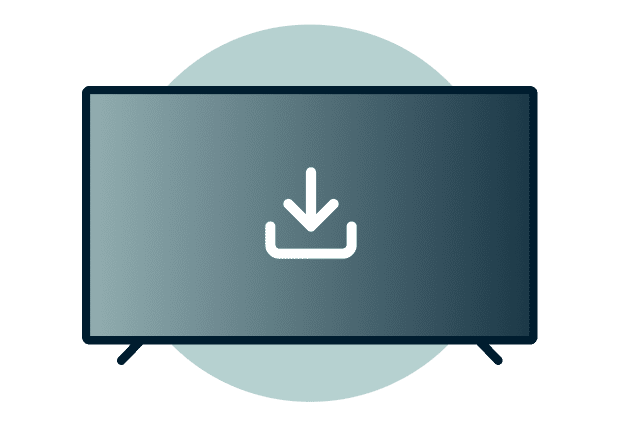
Step 2
Download and install the app from Google Play
Install ExpressVPN on Google Play, or get the APK from our app download page.
-
![Get A Private Ip Addressx]()
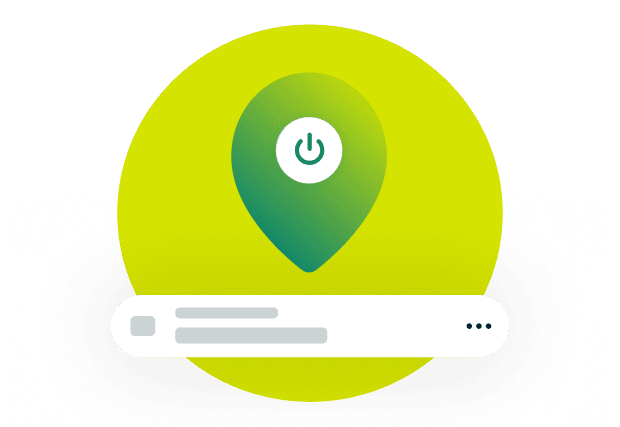
Step 3
Sign in and connect to a secure server
Use your activation code or QR login to sign in and connect to any server location.

What to look for in a VPN for Android TV
Choose a VPN that keeps your streaming fast, easy to use, and consistently private
-
![Speed and reliable performance The best VPN for Android TV maintains a global network of high-capacity servers in multiple locations. Look for VPN ...]()
Speed and reliable performance
The best VPN for Android TV maintains a global network of high-capacity servers in multiple locations. Look for VPN service providers with high-bandwidth infrastructure across 100+ countries to support consistent speeds without bottlenecks.
-
![Simple setup and interface VPN apps should work with Android TV remotes through intuitive interfaces. Look for a native app where setup takes minut...]()
Simple setup and interface
VPN apps should work with Android TV remotes through intuitive interfaces.
Look for a native app where setup takes minutes with simple navigation and no learning curve required for daily use.
-
![Proven privacy protection Look beyond marketing claims. Serious providers follow a no-logs policy and use RAM-based servers that don’t write your...]()
Proven privacy protection
Look beyond marketing claims. Serious providers follow a no-logs policy and use RAM-based servers that don’t write your data to disk. Transparency is shown through independent security audits by reputable third-party firms.



Key ExpressVPN features for Android TV
Fast and secure streaming backed by independently audited technology
Lightway protocol for faster, steadier streaming
ExpressVPN’s proprietary Lightway protocol keeps your shows running reliably and supports quick reconnections if your Wi-Fi changes or drops.
It was built from the ground up with a lightweight, open-source design that helps you get consistent performance and speeds for your viewing experience.
TrustedServer technology for stronger privacy
ExpressVPN stores nothing to a hard drive, and regular independent audits from leading third-party auditing firms verify these claims.
Our TrustedServer technology runs on RAM-only servers, wiping all data every time a server reboots. This means even we can’t access your streaming activity.

Global network built for speed and reliability
Wherever you are, your streams are supported by a service that’s designed to stay fast and consistent. Our network runs on upgraded 40Gbps servers in 113 countries worldwide.
Pick your preferred location and start streaming, or let the Smart location feature choose the best server based on your location and network conditions.
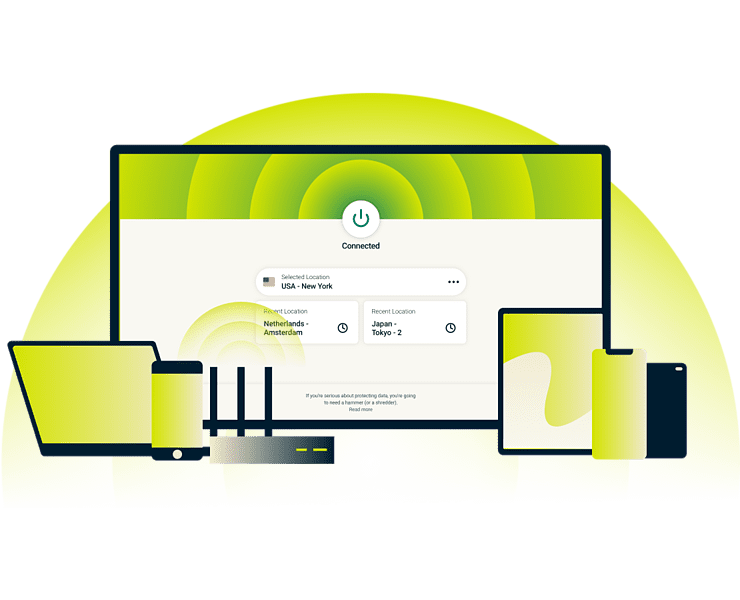
Simple setup, intuitive interface
ExpressVPN's Android TV VPN app makes setup simple. Sign in, approve the connection request, and start streaming within minutes.
Detailed tutorials cover everything from initial setup to advanced features whenever you need them. If you’re a power user, you can also use APK sideloading (recommended only if direct download is not available).
Works across Android TV Boxes and other devices
Use ExpressVPN across the Android TV devices you already own with one subscription
-
![Tv Brands@2x]()
Compatible with major Android TV brands and versions
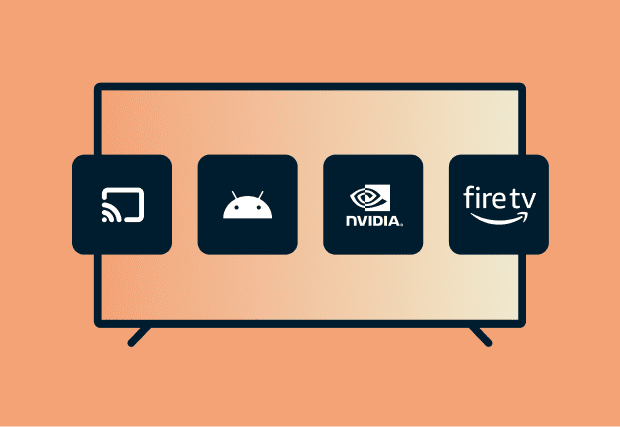
ExpressVPN supports Android 5.0 or newer and works with major Android TV brands including Sony, TCL, Hisense, Philips, Sharp, and Xiaomi.
Compatible streaming devices include Chromecast with Google TV, Xiaomi, Amazon Fire TV Stick, and Nvidia Shield.
-
![All Devices Protected2x]()
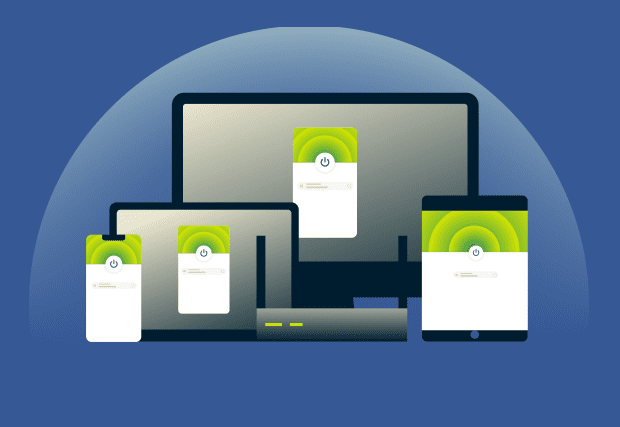
Use 1 subscription on multiple devices
Protect your TV, phone, laptop, and more with a single Android TV VPN account. ExpressVPN offers multi-device support for 10-14 simultaneous connections, depending on your subscription.
Why choose ExpressVPN over other VPNs
The best VPN for Android TV, with fast speeds and vetted security
-
![Independently audited, trusted security We verify our privacy and no-logs policy protections through repeated independent security audits. You get ...]()
Independently audited, trusted security
We verify our privacy and no-logs policy protections through repeated independent security audits. You get evidence-based confidence knowing ExpressVPN is audited by top-tier firms like Cure53, PwC, and KPMG.
-
![24/7 live chat and 30-day money-back guarantee ExpressVPN offers quick support with 24/7 multilingual live chat and email. Real experts are ready t...]()
24/7 live chat and 30-day money-back guarantee
ExpressVPN offers quick support with 24/7 multilingual live chat and email. Real experts are ready to help with your Android TV setup or streaming questions. Every new subscription includes a 30-day money-back guarantee*, so you can test ExpressVPN risk-free.
-
![Simple design that gets you connected fast ExpressVPN's Android TV app is designed specifically for remote control navigation. The interface uses l...]()
Simple design that gets you connected fast
ExpressVPN's Android TV app is designed specifically for remote control navigation. The interface uses large, clear buttons and simple menus optimized for TV screens. Connect, switch server locations, and manage settings without navigating complex controls or tiny text.



*First-time customers only. Contact support to request your refund within 30 days of purchase.
What people are saying about ExpressVPN
See why satisfied customers recommend ExpressVPN
I have ExpressVPN on all my devices - phone, laptop, tablet, AppleTV, etc., and absolutely love it.


* A sample of reviews from our most satisfied customers
Got an account with @expressvpn yesterday. Great decision for traveling out of the country!
@D_Geiger

* A sample of reviews from our most satisfied customers
With its consistent performance and reliable security, ExpressVPN is the best VPN out there.

* We sometimes pay expert sites for customer referrals
Frequently asked questions
Get all your Android TV VPN questions answered
Can I use a VPN on Android TV?
Yes. You can install the ExpressVPN app on Android TV to get private, fast, and stable streaming across supported Android TV devices and popular TV Boxes. Simply download it from the Google Play Store or get the APK download from the official website.
Does Android have built-in VPN support?
Yes, Android includes basic VPN settings requiring manual server configuration through its system menus. But this still requires an active VPN subscription to work. ExpressVPN's app provides one-tap connection, automatic server selection via Smart Location and an interface built for remote control navigation.
What is the best VPN for Android TV boxes?
ExpressVPN is the best VPN for Android TV thanks to our Lightway protocol's fast reconnection and stable performance, an independently audited no-logs policy and our TrustedServer technology. We also offer quick setup across Android TVs and Android TV boxes. All backed by 24/7 expert support.
Is it legal to use a VPN with Android TV?
Yes. Using a VPN for Android TV is legal in most countries, and ExpressVPN helps keep your connection private while staying compliant with local regulations. Of course, make double-sure Android TV VPNs are legal in your location.
Can I use ExpressVPN on other devices at the same time?
Yes. One subscription covers up to 14 devices simultaneously depending on your subscription, so your Android TV, phone, laptop, and more stay protected under the same account. Try it risk-free with our 30-day money-back guarantee for first-time customers.
How do I set up a VPN on an Android TV box?
You can set up a VPN on an Android TV box by downloading ExpressVPN from Google Play or installing the APK, signing in, and connecting. It’s a quick and easy process with only a few steps that requires zero tech know-how.
How do I use a VPN on Android TV?
It only takes a moment to understand how to use a VPN on Android TV. Just go to Google Play and install ExpressVPN, open the app, and connect to the location of your choice. You'll be streaming with a VPN that supports fast speeds and stable connections in minutes.
Try ExpressVPN risk-free on your Android TV today
Get high-quality, stable streaming with your new VPN for Android TV
Start streaming privately with ExpressVPN
- Risk-free VPN trial for first-time customers
- Get speed and privacy on up to 14 devices
- 24/7 multilingual support over live chat or email