

VPN for Amazon Fire TV stick: Fast, private, and easy
Stream on Fire TV Stick with a stable, secure VPN connection using our Lightway protocol
- Connect to your platforms and stream on fast 40Gbps servers
- Download ExpressVPN directly from the Amazon Appstore
- Browse privately with our independently audited no-logs policy
30-DAY MONEY-BACK GUARANTEE FOR FIRST-TIME USERS
Why use a VPN on your Fire TV Stick?
Because no one else has to know what you’re watching
Enhanced privacy on smart TVs
Smart TVs constantly collect data about what you watch and how you use apps—data that's often shared with advertisers and third parties.
While a smart TV VPN can't stop your Fire TV Stick from collecting this data, it encrypts your internet traffic so other third parties can’t monitor or log what you’re streaming.
Safer streaming on public or shared networks
When you use a Fire TV Stick in a hotel or on shared Wi-Fi, other users or network operators could see which services you're accessing.
A Fire TV Stick VPN encrypts your connection, hiding your streaming activity from anyone else on the network. Whether you're at home or on public Wi-Fi, your connection stays private.

Prevent bandwidth throttling
Internet providers routinely slow down high-bandwidth activity, like streaming. This causes streams to buffer and lowers the video quality.
With VPN encryption, your ISP can't see that you're streaming. Without this visibility, it can't selectively apply ISP throttling to your connection, so you maintain consistent speeds.
How to set up ExpressVPN on Amazon Fire TV Stick
You’ll stream in minutes with a native app on Amazon Appstore
-
![How to sign up for ExpressVPN]()
-
![Step 2 Install Fire Tv]()
Step 2
Install the app from your Fire TV device
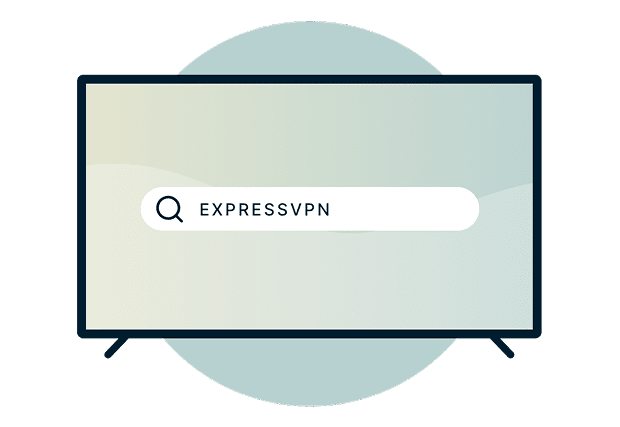
Search for ExpressVPN on your Fire TV home screen. Select and download the VPN app.
-
![Step 3 Start Streaming]()
Step 3
Connect to a VPN server and start streaming
Sign in to your account, connect to a VPN server, and stream securely.

Watch: How to install ExpressVPN on Amazon Fire TV Stick

What to look for in a Fire TV Stick VPN
Choose a Fire TV Stick VPN that makes streaming easier, not harder

Speed and connection stability
Streaming live sports and high-definition videos require fast, consistent speeds. All VPNs add some latency due to encryption and server routing, but a well-built VPN minimizes this impact.
A good Fire TV Stick VPN maintains stable speeds across both nearby and distant servers, so you can watch shows and movies without quality drops, even during peak hours.

Ease of installation on Amazon devices
Not all VPNs offer easy set up with native Fire TV apps. Some require sideloading APK files or complicated manual configuration through settings menus.
Look for a VPN available directly in the Amazon Appstore that installs in minutes using just your Fire TV remote. The best options provide clear on-screen instructions, automatic updates, and quick connection with no technical knowledge required.
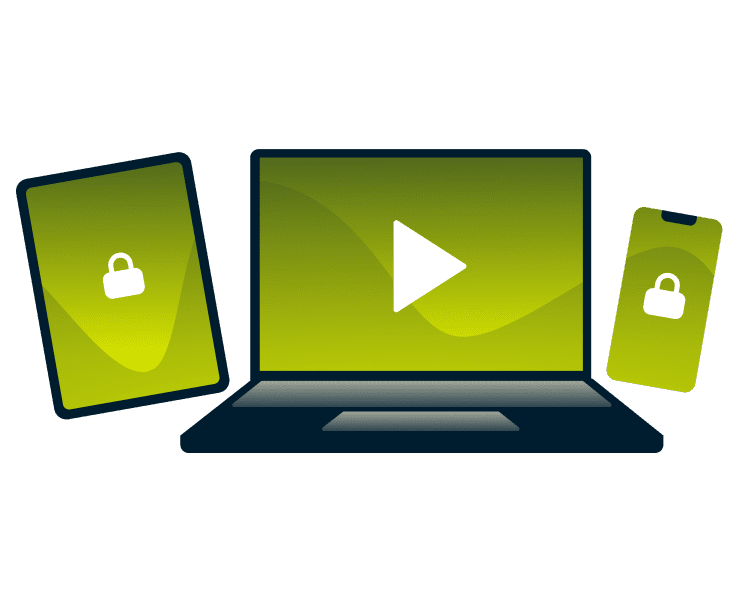
Device compatibility and multi-device use
Most households, and probably yours too, use multiple devices for streaming, not just Fire TV Stick. Choose a VPN that supports multiple devices at once, so you can protect your phone, tablet, and laptop without buying separate subscriptions.
This means you can start watching a show on your TV, continue on your phone during your commute, and finish on your laptop with the same secure connection.
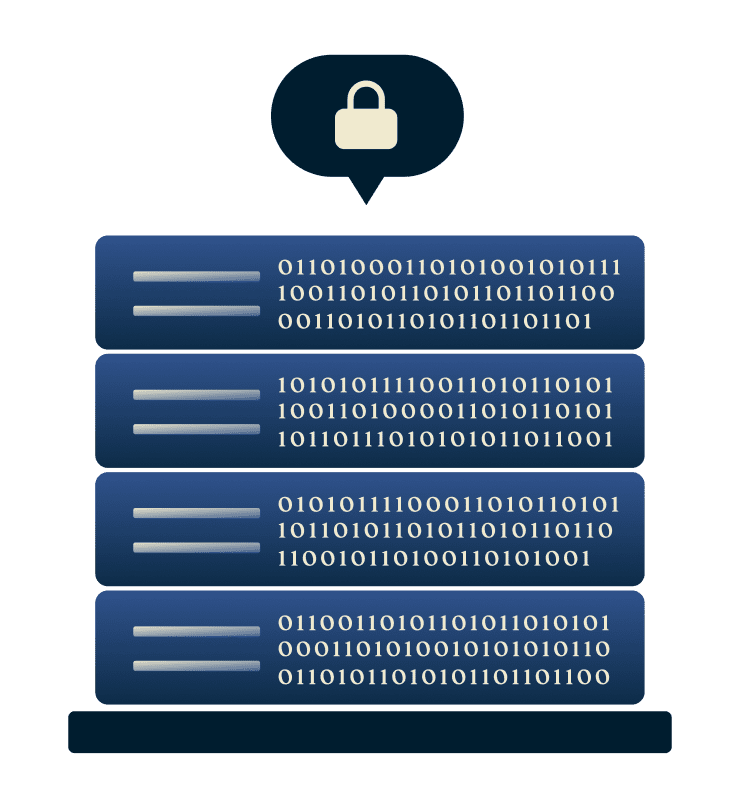
Privacy-focused infrastructure and no-logs policy
A trustworthy VPN for Fire TV Stick operates with a verified no-logs policy, meaning it doesn't record what you stream, which sites you visit, or when you're online.
Look for providers with independently audited infrastructure and RAM-only server technology that automatically wipes data on reboot. These are verifiable safeguards for your privacy.
ExpressVPN for Fire TV: Key features
Here's what makes ExpressVPN work better on Fire TV Stick

Built for speed with the Lightway protocol
is our proprietary protocol built for speed and stability. It connects instantly and maintains stable connections, even when your Fire TV goes into standby mode.
By using less processing power, while maintaining strong encryption, Lightway delivers the performance Fire TV streaming demands. Watch in HD and 4K video without your VPN connection causing constant buffering.

Connect up to 14 devices at once
You can secure up to 14 devices simultaneously with one ExpressVPN subscription, including your Fire TV Stick, phones, laptops, tablets and more. Everyone in your home can stream and browse privately at the same time.
For whole-home coverage, you can use Aircove with built-in ExpressVPN protection*.
*Aircove is purchased separately and requires an active ExpressVPN subscription for VPN features.

RAM-only TrustedServer technology: No persistent logs
ExpressVPN operates on RAM-only servers. No hard drives store your data. When a server reboots, all information is automatically wiped. That means your streaming and browsing activity can't be stored or retrieved.
Our independently audited no-logs policy and TrustedServer technology ensure what you do online stays private.

214+ Server locations worldwide
With servers in 113 countries, ExpressVPN gives you global coverage and reduces congestion through a distributed server load, ensuring reliable Fire TV Stick streaming performance.
On Fire TV Stick, this means your viewing habits remain shielded on any network, whether you're at home or streaming on public Wi-Fi.

Strong encryption and IP/DNS leak protection
Every connection is secured with 256-bit AES encryption, the strongest standard on the market and trusted by security experts worldwide. ExpressVPN’s built-in IP and DNS leak prevention ensures your true location and identity stay hidden, even if your connection drops.
U.S. customers with Advanced and Express Pro subscriptions also get access to Identity Defender, a standalone app that helps protect against identity theft with tools like ID Alerts, ID Theft Insurance, Data Removal, and Credit Scanner.
ExpressVPN for Amazon devices
Compatible with all major devices for comprehensive protection
Works on Fire TV, Fire TV Stick, and Fire Tablet
Installing ExpressVPN on Amazon Fire TV Stick is straightforward with ExpressVPN. The app works across Fire TV, Fire TV Stick, and Fire Tablet. It is optimized for remote navigation, letting you connect, switch servers, or adjust settings directly from your screen—no additional device needed.
Amazon Fire TV Stick VPN compatibility:
- Fire TV Stick 4K
- Fire TV Stick 4K Max
- Fire TV Stick (3rd Gen)
- Fire TV devices (Fire OS 6 and up)
- Fire TV Cube
- Fire Tablets (Fire OS 6 and up)
Alternatively, you can use screen mirroring from a phone, tablet, or laptop with ExpressVPN already running.
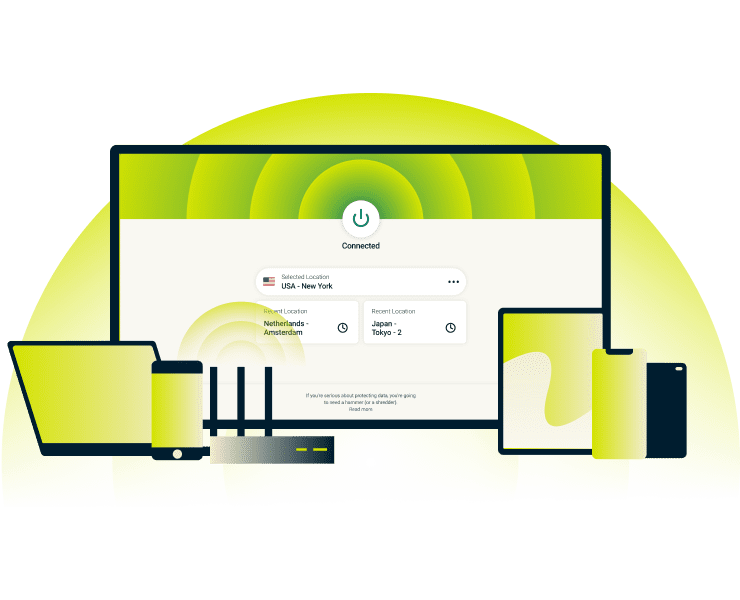
Use on other smart devices
ExpressVPN works across Windows, Mac, iOS, Android, Linux, and browser extensions, not just Fire TV. The same intuitive interface follows you across devices, so switching from your TV to your phone or laptop is easy.
Start watching on your Fire TV Stick, pick up where you left off on your tablet during your commute, then finish on your laptop. All with the same secure VPN connection.
Why choose ExpressVPN over other Fire TV Stick VPNs
Our service extends beyond a full-featured VPN to give you complete peace of mind
-
![Independently audited privacy and no-logs policy ExpressVPN’s infrastructure and privacy commitments have undergone multiple independent audits b...]()
Independently audited privacy and no-logs policy
ExpressVPN’s infrastructure and privacy commitments have undergone multiple independent audits by leading cybersecurity firms. These third-party evaluations verify that our servers, code, and no-logs policy meet strict security standards. Our privacy assurances aren’t just statements—they’re verified by external experts.
-
![Optimized for global streaming platforms ExpressVPN’s network is built and continually optimized for fast, reliable streaming. Our servers are re...]()
Optimized for global streaming platforms
ExpressVPN’s network is built and continually optimized for fast, reliable streaming. Our servers are regularly refreshed with new IP addresses to ensure compatibility with popular streaming services. Combined with a 10Gbps and 40Gbps server network and optimized routing, you get consistent, high-quality playback on your Fire TV Stick.
-
![24/7 Live chat support and step-by-step tutorials Get help whenever you need. Our 24/7 live chat support team is available to assist with Fire TV V...]()
24/7 Live chat support and step-by-step tutorials
Get help whenever you need. Our 24/7 live chat support team is available to assist with Fire TV VPN setup, or performance optimization. Step-by-step setup tutorials on our support pages guide you through installation, making it simple even for first-time VPN users.
Plus, first-time customers can get a refund with our 30-day money back guarantee.



What people are saying about ExpressVPN
Honest reviews from our most satisfied customers
I have ExpressVPN on all my devices - phone, laptop, tablet, AppleTV, etc., and absolutely love it.


* A sample of reviews from our most satisfied customers
Got an account with @expressvpn yesterday. Great decision for traveling out of the country!
@D_Geiger

* A sample of reviews from our most satisfied customers
With its consistent performance and reliable security, ExpressVPN is the best VPN out there.

* We sometimes pay expert sites for customer referrals
Common questions about Fire Stick VPNs
Find out more about ExpressVPN for Fire TV Stick here
Can you use a VPN with Amazon Fire Stick?
Yes. You can install and use a VPN directly on your Amazon Fire TV Stick. ExpressVPN offers native app in the Amazon Appstore, allowing you to download, sign in, and connect with your remote to secure your streaming and protect your privacy in just a few steps.
Which is the best VPN for Fire TV Stick?
ExpressVPN is the best VPN for Fire Stick. With the proprietary Lightway protocol, you get fast, stable connections optimized for streaming. The native Fire TV app installs directly from the Amazon Appstore with no technical setup required. RAM-only servers keep your activity private, while 113 server locations and 24/7 support ensure reliable performance wherever you stream.
Do I need a VPN app on my Fire Stick?
Yes. Installing a VPN on Amazon Fire TV Stick encrypts your streaming traffic so your ISP can't see what you're watching or selectively throttle your connection. With the app installed, you get automatic protection every time you stream.
Will a VPN improve my streaming experience?
Yes, it can. A VPN may improve streaming by helping you avoid content-based ISP throttling. When traveling, you can access your streaming services just as you would at home. While encryption adds a small overhead, ExpressVPN's optimized infrastructure minimizes speed impact for consistent playback.
How do I know if ExpressVPN is working?
After connecting, open the app and ensure it shows "Connected." Then use our official IP checker tool. If the displayed IP matches your VPN server location and not your actual one, it’s working correctly.
Stream with confidence using ExpressVPN
- Access to your favorite streaming services with fast, reliable connections
- Download directly from the Amazon Appstore for simple setup on all Fire TV devices
- Get a 30-day money-back guarantee as a first-time customer