

Control your VPN from your AI workflow
Your AI assistant can now manage your VPN as part of your workflow—check connection status, switch locations, and run diagnostics using natural language commands.
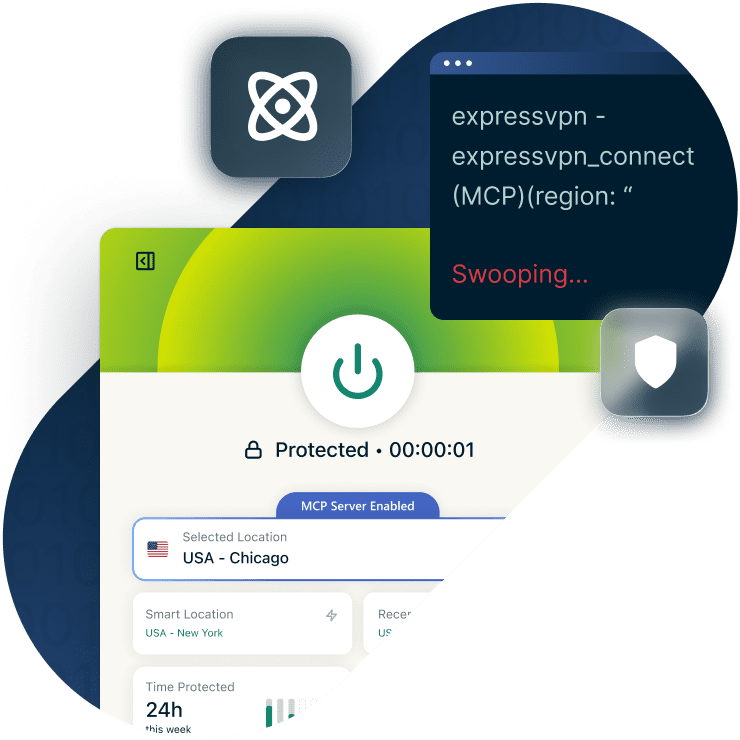
ExpressVPN is the first VPN provider to launch an MCP server, giving your AI coding tools a way to control your VPN connection without leaving your coding environment.
Works with MCP-compatible AI tools like Claude Code and Codex on ExpressVPN’s desktop apps. Currently available to subscribers on Basic, Advanced, or Express Pro tiers (1-year and 2-year offers only), and ExpressVPN for Teams.
30-DAY MONEY-BACK GUARANTEE FOR NEW SUBSCRIBERS
What is MCP?
Model Context Protocol (MCP) is an open standard that lets AI systems talk to external tools.
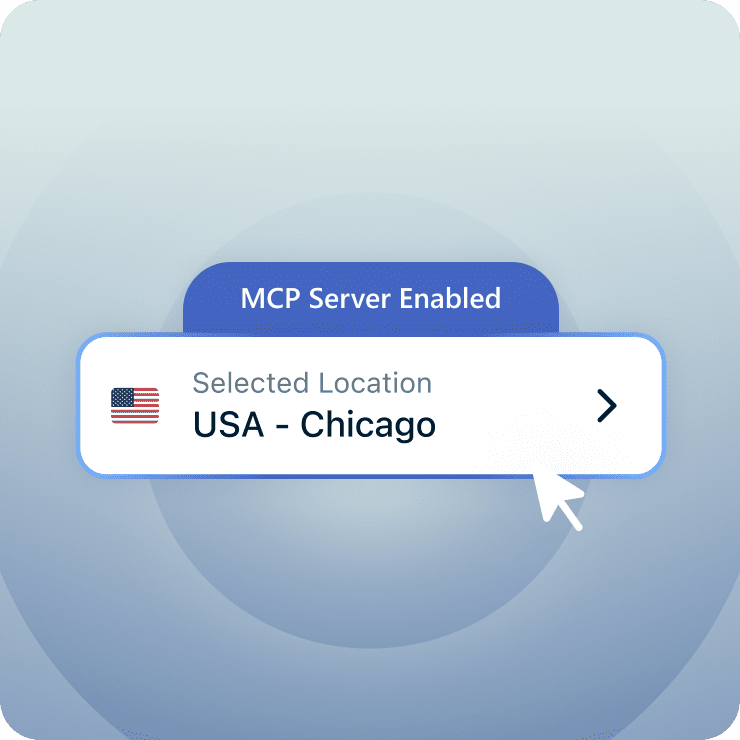
Instead of building custom code for every integration, MCP provides a universal interface. The AI sends commands and the tools respond. For example, when you ask "Connect to a UK server," your AI sends that as a structured request, and ExpressVPN responds with your new connection details.
ExpressVPN runs a local MCP server inside the desktop app, so your AI can securely control your VPN. It works with AI tools like:
- Claude Code (Anthropic)
- Codex (OpenAI)
- Cursor
- Other MCP-compatible AI clients that support connecting to local MCP servers via URL
Built for agent-driven workflows
Your AI assistant already writes your code and runs your tests. It can now manage your network, too.
With the ExpressVPN MCP server, your AI assistant can:
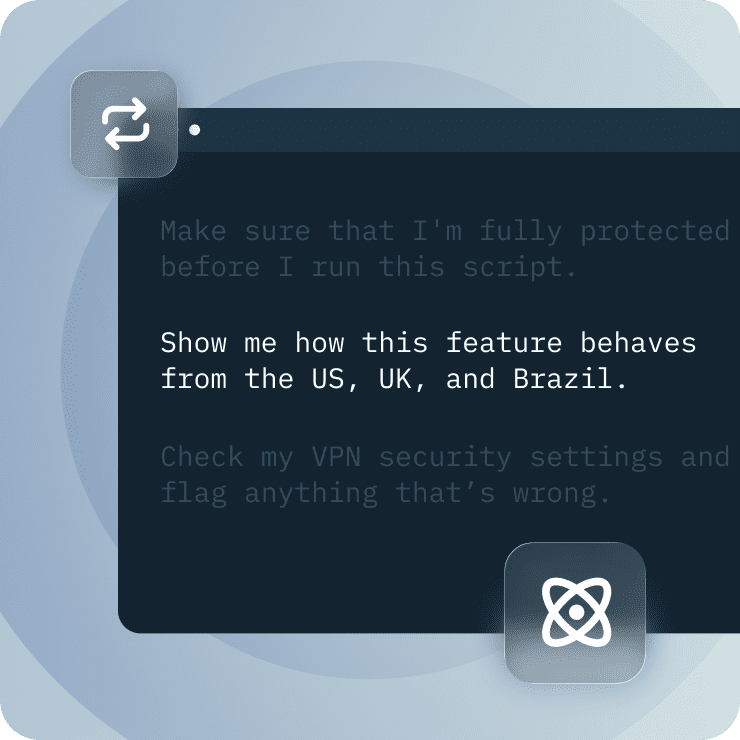
- Check your connection status before running sensitive scripts
- Switch regions to test geo-dependent features across locations
- Verify security settings: kill switch, DNS routing, and protocol selection
- Run diagnostics when performance drops
- Automate complex workflows by combining security checks and region switches
Just ask your AI assistant
You don't need to learn commands or syntax. Talk to your AI assistant like you would a colleague.
-
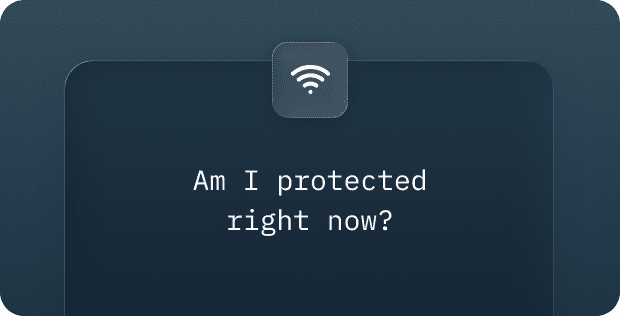
Checks your connection status, confirms the kill switch is active, and verifies there are no DNS leaks.
-
Your assistant cycles through regions, records how your app behaves from each location, then switches you back to your home server.
-
Runs a full diagnostic chain across your protocol, server region, and settings—then explains the issue and applies the fix.
-
Switches regions, verifies the connection, and confirms when you're ready.
-
Audits your DNS routing and flags any configuration issues that could cause leaks.
See the full list of available commands and code examples in our technical documentation.
Built with strict boundaries
ExpressVPN's MCP server was designed with security and privacy first, so you stay in control of what your AI can access.

Disabled by default
You opt in explicitly. No automatic activation.

Runs locally only
Everything happens on your device. Remote connections are blocked, so there's nothing to hijack.

Approved commands only
AI can manage VPN state but cannot access credentials, browsing history, or session data.

Zero logs
We don't collect activity logs, connection timestamps, or destination data.
How it works
-
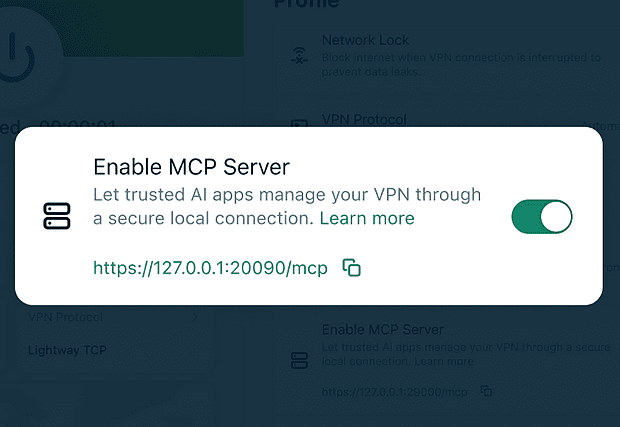
Enable MCP locally
Inside the ExpressVPN desktop app, flip the "Enable MCP Server" toggle in Add-ons.
-
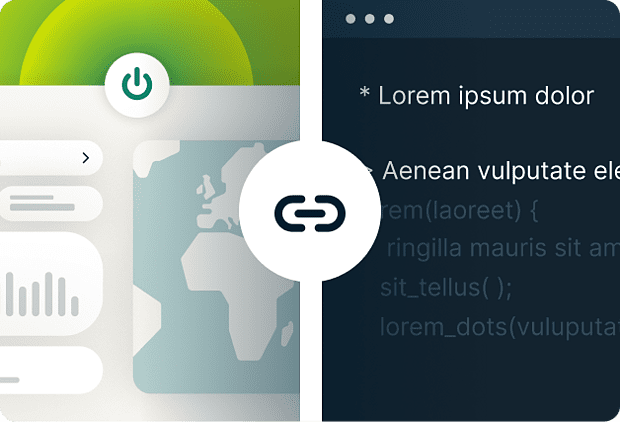
Connect your AI tool
Connect ExpressVPN to MCP-compatible tools such as Claude Code or Codex. Once configured, your AI tool communicates directly with the local VPN client.
-
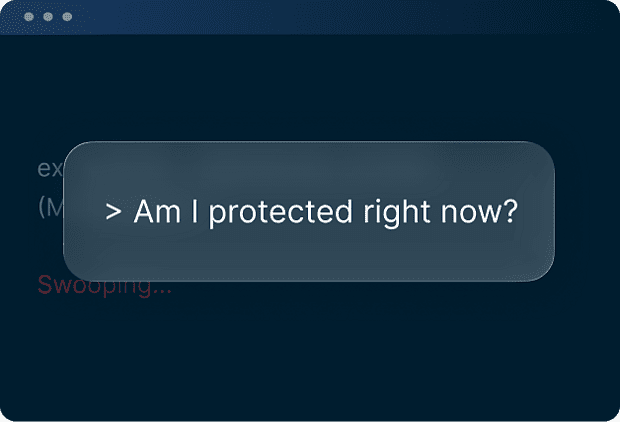
Control your connection with natural language
Start using commands like "Connect to a UK server" or "Am I protected right now?"
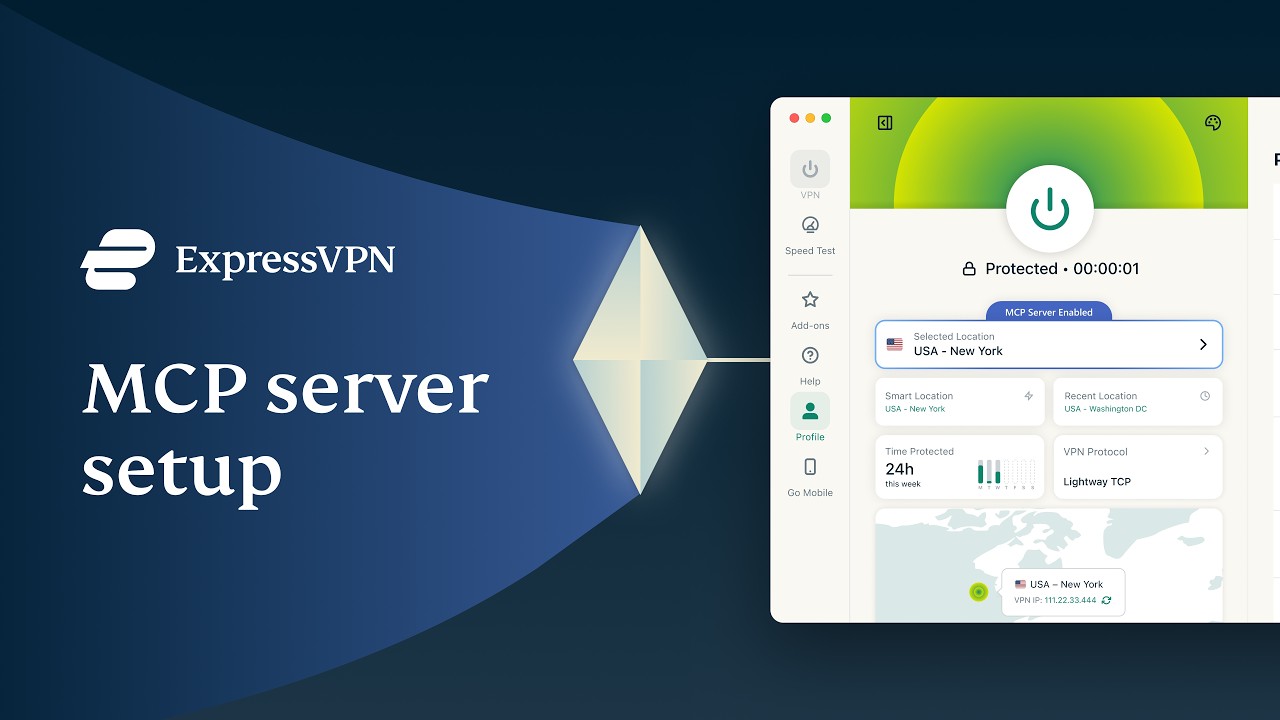
Try ExpressVPN's MCP server risk-free for 30 days
- The MCP server is included with your ExpressVPN subscription at no additional cost.
- As a new user, you're covered by our 30-day money-back guarantee.
- If you're not satisfied with ExpressVPN, contact Support within 30 days for a full refund.