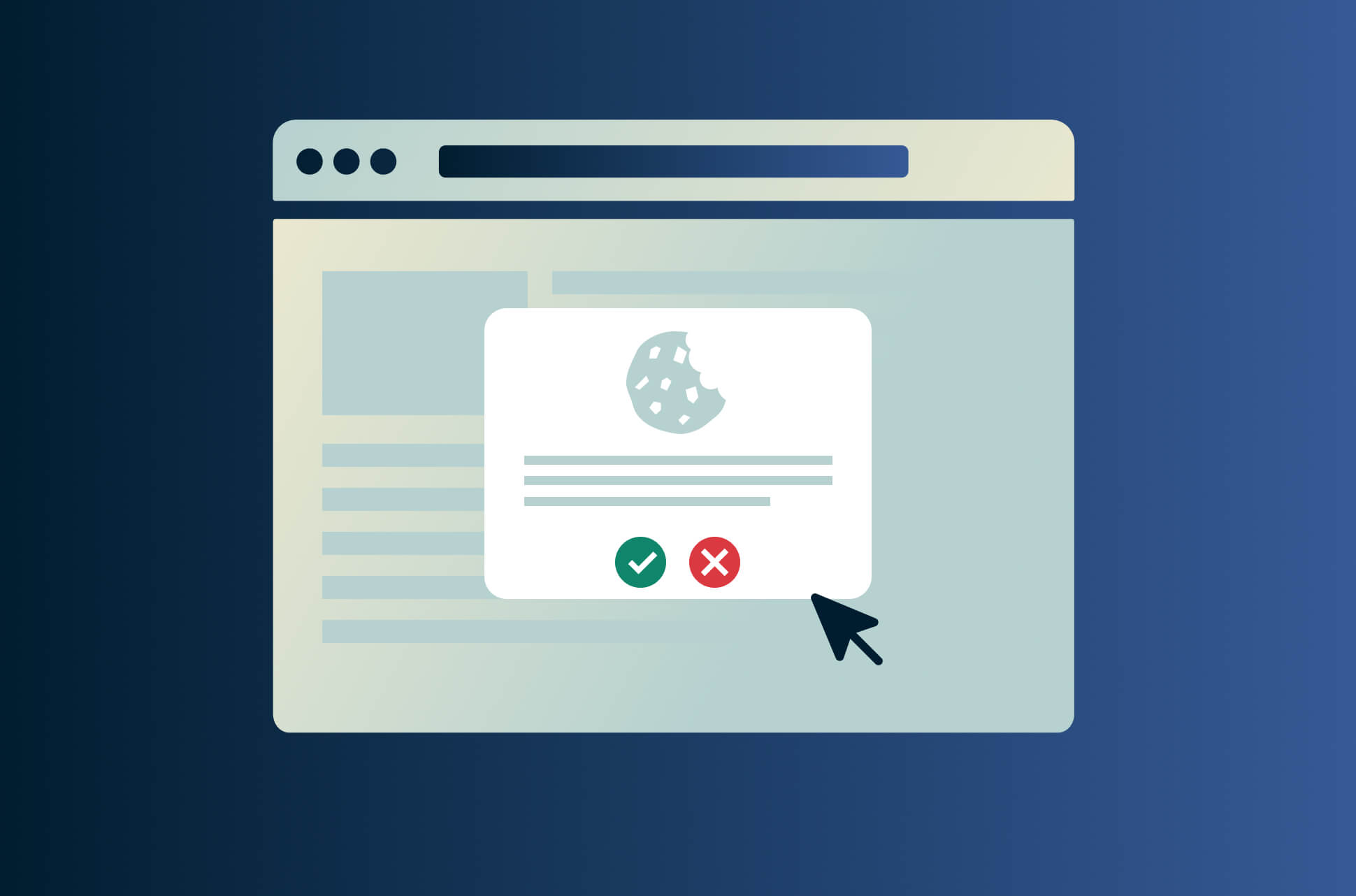
If you don’t want websites and advertisers to know your personal preferences (for shopping, news, etc), you should reject cookies, especially those categorized as third-party cookies. However, you might want to accept other types of cookies that save your settings and browsing history if you find this gives you a better experience on the site.
Being asked to accept cookies has become part of our everyday online lives. You might instinctively click “Accept” on the seemingly harmless pop-ups on every site you visit, but should you? We break down the pros and cons of accepting or rejecting cookies.

What are cookies?
Cookies are files created by websites that store data about your browsing activity in order to remember you if you visit the site repeatedly. For example, cookies are how news sites like The New York Times can track the number of articles you’ve read using the same browser. These are known as first-party cookies. Cookies also help with making your online experience smoother, for example, remembering your preferred site settings so you don’t have to change them every time.
Accepting cookies means handing over data, and while cookies can help improve your experience on a website, not all cookies are focused on the functionality of the website you’re browsing.
Some websites place third-party cookies on your browser, which sends your data to third parties like advertisers. These cookies tell advertisers what you’re interested in, so they can serve you relevant and personalized ads. This is how Facebook knows to serve you ads about earbuds after you search for them.
Read more: Browsers that block third-party cookies
What kind of data do cookies store?
Cookies can make our web browsing experience a little more seamless. Here is some of the data website cookies keep on your browser:
- Website name
- Unique user ID
- Links clicked
- Number of times you visit a website
- Time spent on the website
- Identifiers like your IP address
Depending on the website, cookies may also store your login information, shopping cart items, website settings, and personal data.
Pros and cons of accepting cookies
Cookies aren’t all bad or helpful. Whether you want to accept the use of cookies is up to your tolerance of privacy invasiveness and how much you value a smooth user experience.
Benefits of accepting cookies
- Website accessibility. Sometimes, rejecting cookies means that you won’t be able to access websites. Essential cookies form a site’s memory and are necessary for its functionality as it helps a site remember you so you don’t have to sign in on every new page. When you click “Reject All” on a cookie pop-up, it doesn’t reject essential cookies.
- Better user experience. Cookies help websites remember you and give you a more personalized website experience that suits your interests. This can make your browsing experience more helpful and focused to you. For example, Amazon would be able to recommend products you might like based on your browsing history. (Of course, some of us find this type of personalized recommendation more creepy than helpful.) Cookies also help websites remember your login information, making the sign-in process much faster.
- Personalized web experience. Many of us like to personalize the sites we use, and cookies help websites remember your preferences. For example, you may prefer your YouTube videos play in theater mode. Cookies help YouTube remember this and to default to theater mode on every video you play.
Risks of accepting cookies
- Third-party cookies. Some websites install third-party cookies to track your online activity across the web. This raises some privacy concerns as your online data is handed over to a third party, often in the name of advertising. Consider using a browser that automatically blocks third-party cookies, like Firefox, to protect your privacy.
- Security threats. Cookies store important information, and depending on the website, even personal information like your banking information. If you visit an unencrypted website, your cookie-stored data is left unsecured and could be hacked. Also, data communicated from the cookie to the website is done over the internet, which means that malicious third parties could intercept it. While rare, these security threats are present, and you should protect your online data by using a VPN.
- Slowed device speeds. Cookies are stored on your browser (and, conversely, your computer) as files. Sure, some of them are temporary files, but having too many cookies added to your device occupies storage and could slow your device.
Read more: How to clear iPhone system data
How did GDPR affect cookie consent?
GDPR is a European Union law surrounding data privacy. Companies are required to ask for your permission before they collect your data by telling you what information they collect, how long they keep it, and who they’re sharing it with.
Auto opt-in for cookies is not allowed under GDPR. It is the reason “I consent,” “Accept all cookies,” or other similar buttons appear when you first land on a website.
Many companies have made their GDPR compliance worldwide, which is why you see the consent pop-ups even if you live outside of the EU.
What happens when you accept cookies?
When you accept cookies, you consent to your information being stored by the website. Generally speaking, accepting cookies shouldn’t impact your browsing experience negatively. In fact, as we’ve touched on above, it can make your online experience a lot smoother and more personalized to your interests.
This means you spend less time sifting through results and changing settings, and you get to pick up your online shopping right where you left off as the website remembers it thanks to the cookie. Typically, a cookie pop-up box will tell you what a website collects data for and who they share your information with.
However, if you accept all cookies indiscriminately, your browsing data could be shared with advertisers, who are able to build a profile on you and market to you.
What happens if you don't accept cookies?
Cookie pop-ups sometimes give you the opportunity to set your preferences, turning off cookies based on cookie category. Naturally, the reason to reject cookies is to get a little more control over your data and who has access to them.
While many people hit “Accept” out of laziness (and, let’s face it, a sense of resignation that companies have your data anyway), keep in mind that rejecting cookie preferences often takes only two clicks. There are also browser extensions out there that automatically reject cookies when the consent message pops up.
Sometimes, you’re also offered a button to reject all cookies. It is important to know that this typically doesn’t include essential cookies. Most sites do not allow you to reject cookies needed for the site to work. When you select “Reject all,” non-essential cookies like functionality cookies, advertising cookies, and social networking cookies get turned off. So, go ahead and select that “Reject All” button if you want.
Rejecting these cookies almost certainly won’t prevent you from using the website, whether it’s to read information or buy something. But it would mean that certain functionality, like auto-playing videos, become unavailable, and your website ads become less personalized and relevant to your interests.
How do I enable cookies in my browser?
Browsing the web and getting blocked access to websites because of blocked cookies? Your browser might have cookies disabled. Earlier, we told you that cookies are necessary to access websites, and if you’ve blocked all cookies, your access to websites may be blocked. It’s super easy to enable cookies on your browser. Here’s how!
Enable cookies on Chrome
- Click on the three-dot icon on the top right of your browser
- Next, click on Settings and click on the Privacy and security menu item
- Click on Site settings and scroll to Cookies and site data
- Check if you have Block all cookies (not recommended)
- If so, click on any of the other options. We recommend selecting Block third-party cookies
Enable cookies on Firefox
- Click on the hamburger menu on the top right of your browser
- Next, click on Options and click on the Privacy and security menu item
- Choose your preferred privacy and cookie setting
Note that all settings block third-party tracking by default on Firefox.
Enable cookies on Safari
- Launch Safari on your Mac and click on Safari on the top left of your screen
- Select Preferences and switch to the Privacy tab
- Ensure that Block all cookies is unchecked
Enable cookies on Edge
- Click on the three-dot icon on the top right of your browser
- Next, click on Settings and search for “cookies” using the search bar
- Select Cookies and site data
- Make sure that Allow sites to save and read cookie data (recommended) is toggled on
- Toggle Block third-party cookies on as well to protect your privacy
Take the first step to protect yourself online. Try ExpressVPN risk-free.
Get ExpressVPN